Keep it together
Scan a document or import a PDF or image. Review the Smart Document Inbox suggestions, choose a category and add useful notes before saving.

 NIQORA VaultApple review
Documents, dates and details worth keeping. Scan, organise and find the things you need in a personal vault, with encrypted storage on your iPhone.
A PLACE FOR WHAT MATTERS
A document is more useful when you can find it. Keep the file, the details and the dates together in a space of your own.
Scan a document or import a PDF or image. Review the Smart Document Inbox suggestions, choose a category and add useful notes before saving.
Search names, notes and recognised document text, favourite useful files and choose reminders for important expiry dates.
Documents and their details are encrypted on your iPhone. Choose an encrypted private iCloud backup and keep your recovery key safe.
INSIDE NIQORA VAULT
Real iPhone screenshots, including the updated Home screen and example documents. Vault is awaiting Apple review for a free, UK-only iPhone launch. It is not publicly available yet.
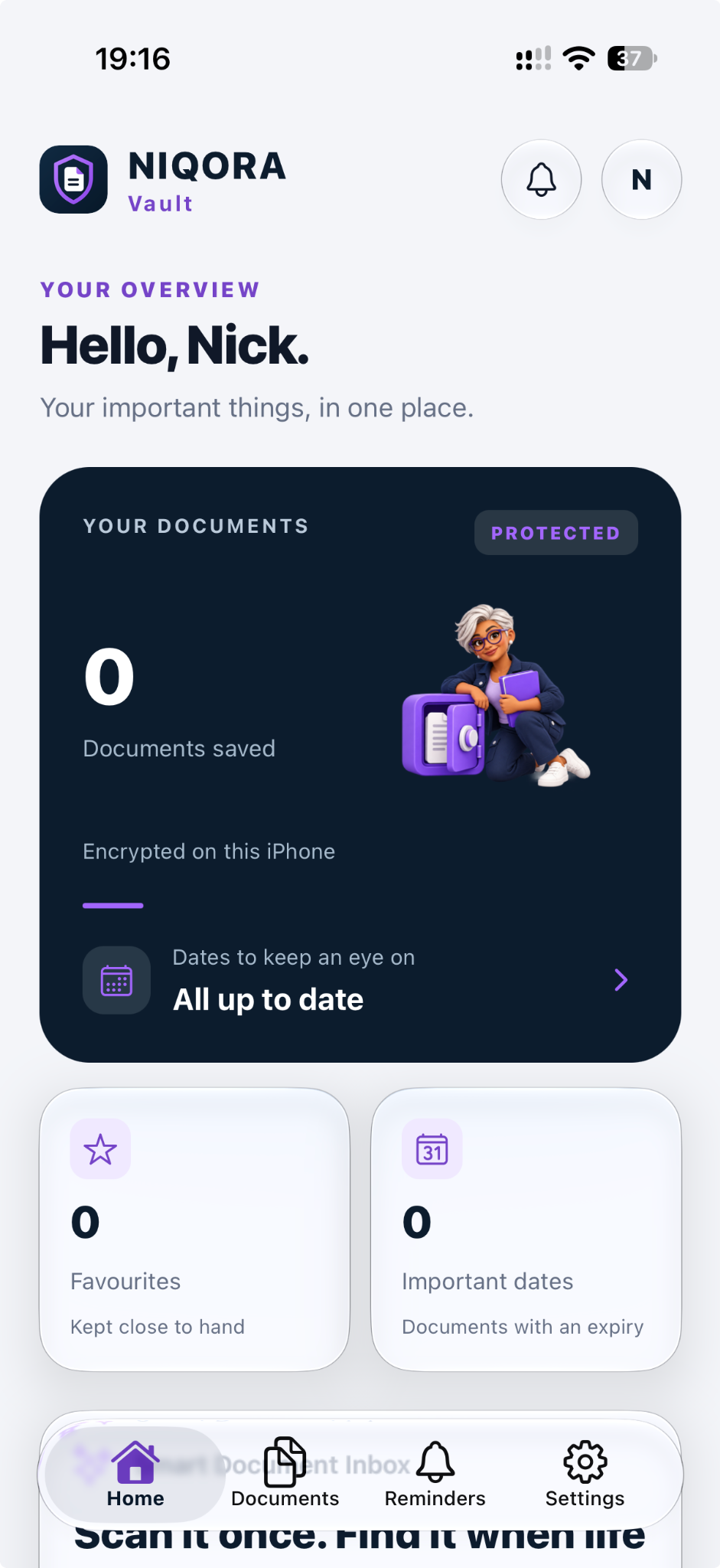
Your overview
See your saved documents, favourites and important dates together. Your encrypted documents stay on your iPhone.
View full screen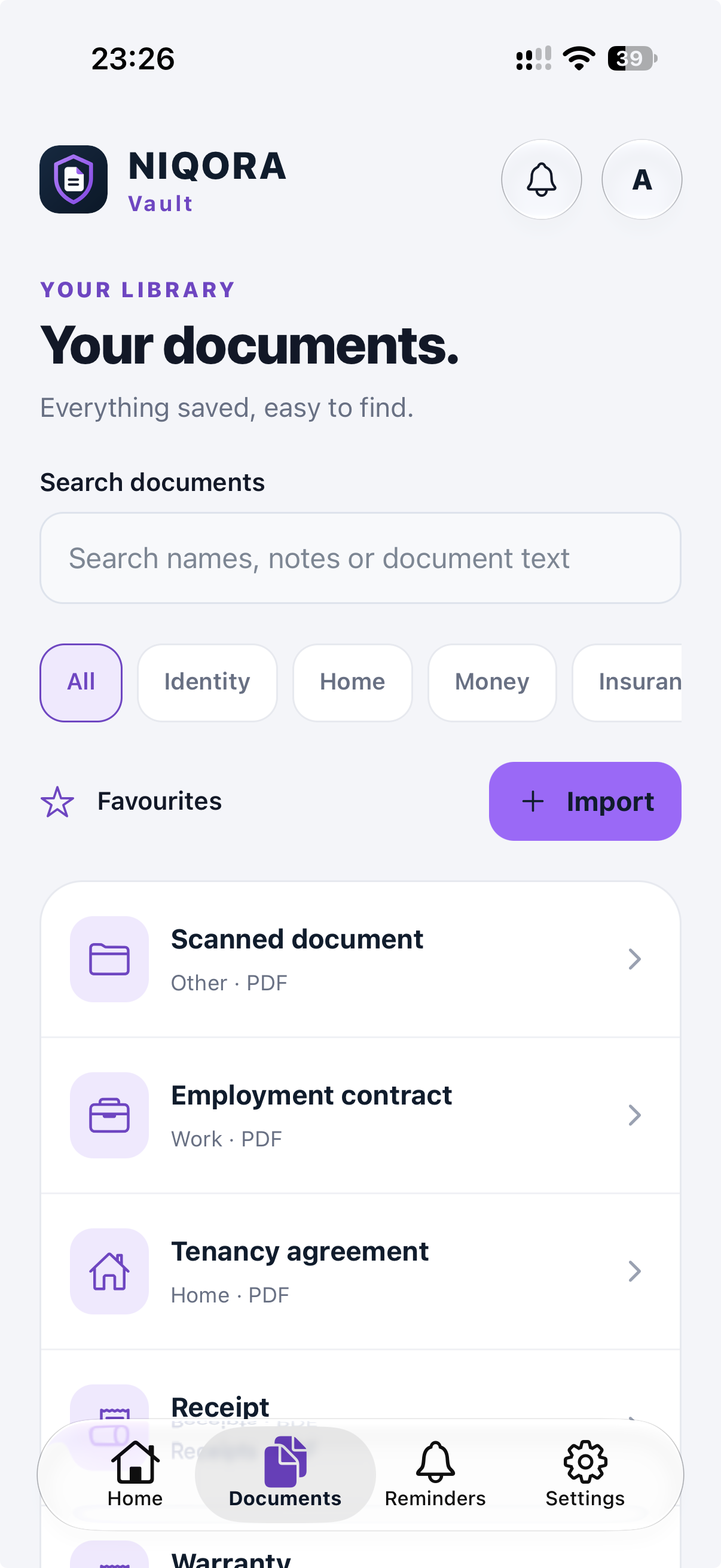
Your documents
Browse by category or search document names, notes and recognised text. Keep useful files close with favourites.
View full screen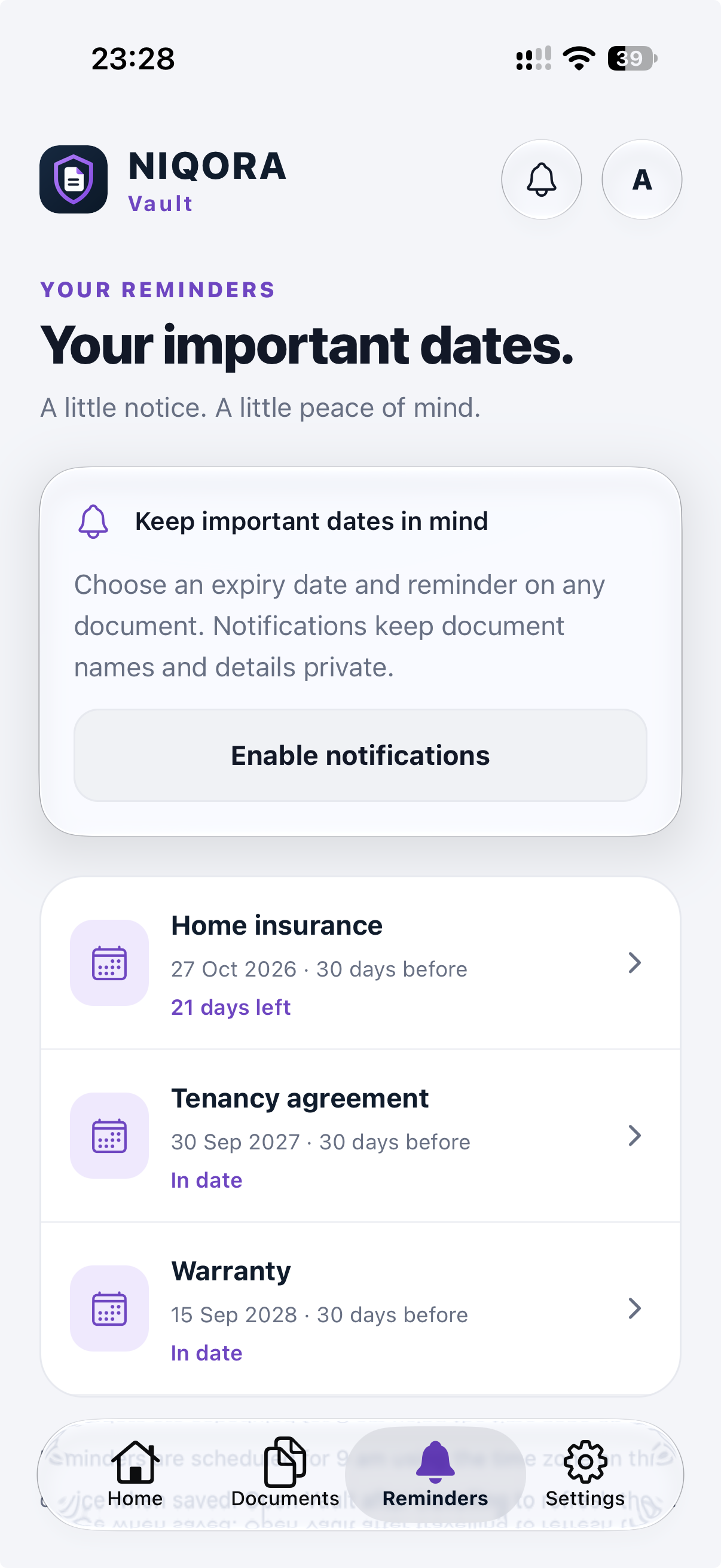
Important dates
Add an expiry date and choose a reminder for a document. Notifications keep document names and details private.
View full screen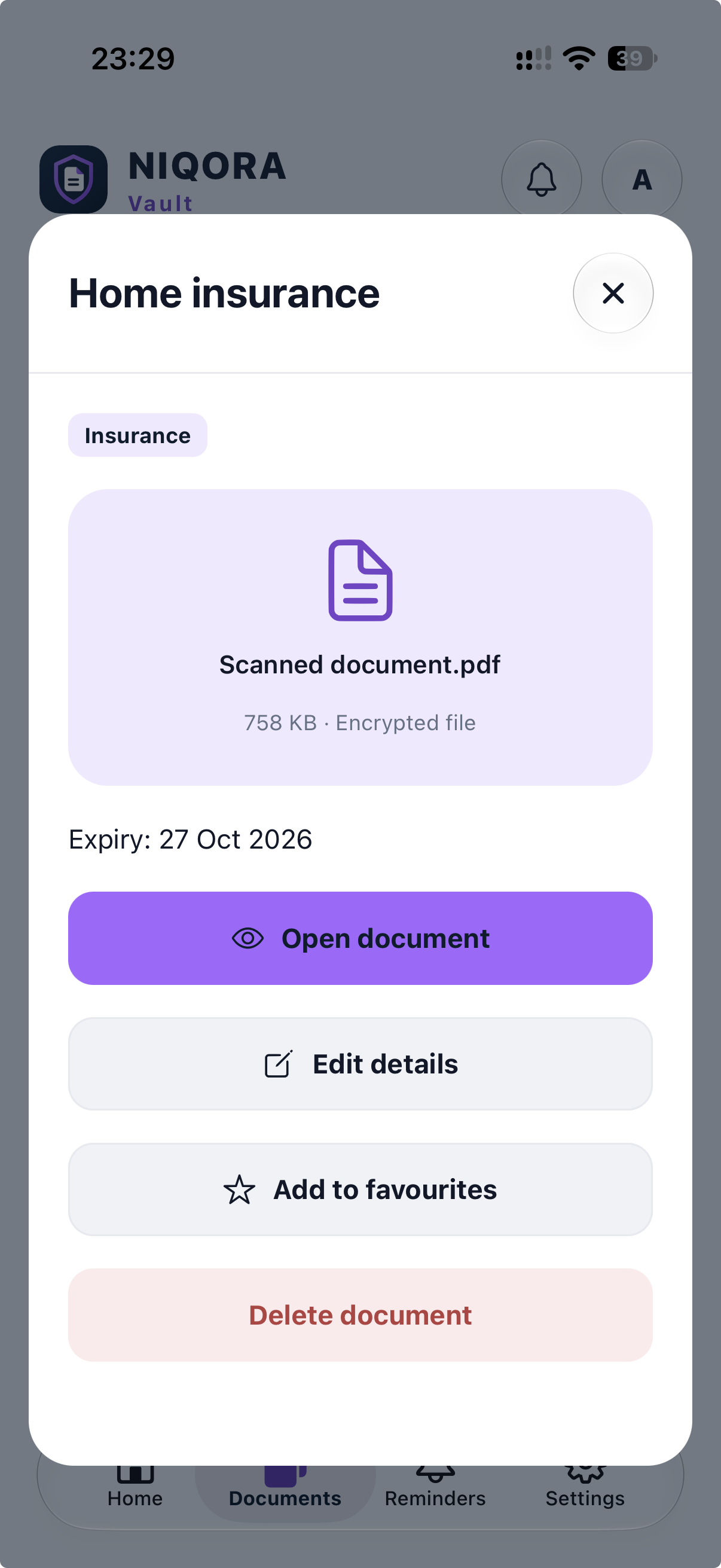
Document details
Open a saved document, review its expiry date and update the details. Keep favourites one tap away.
View full screen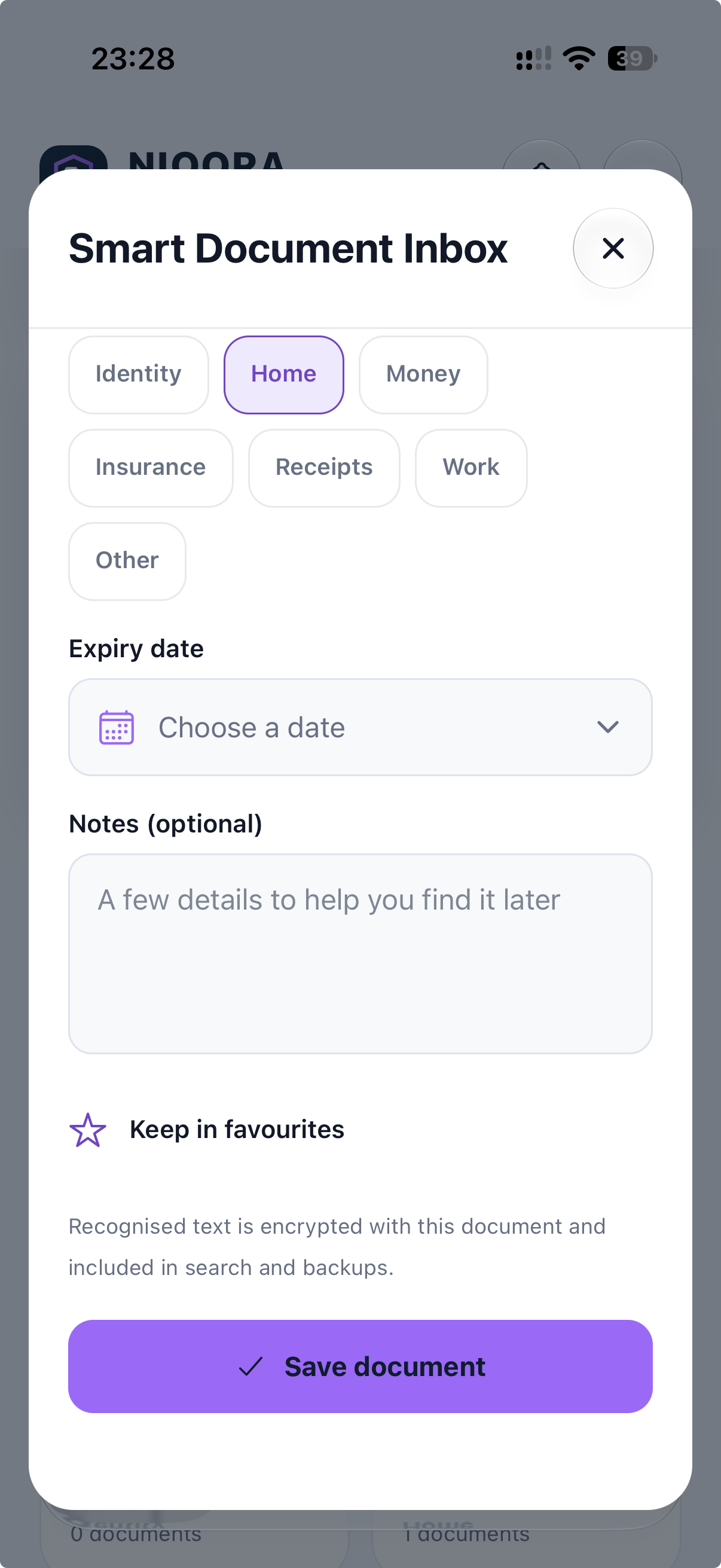
Smart Document Inbox
Review the suggested details, choose a category and add useful notes before saving. Text recognition runs on your iPhone.
View full screen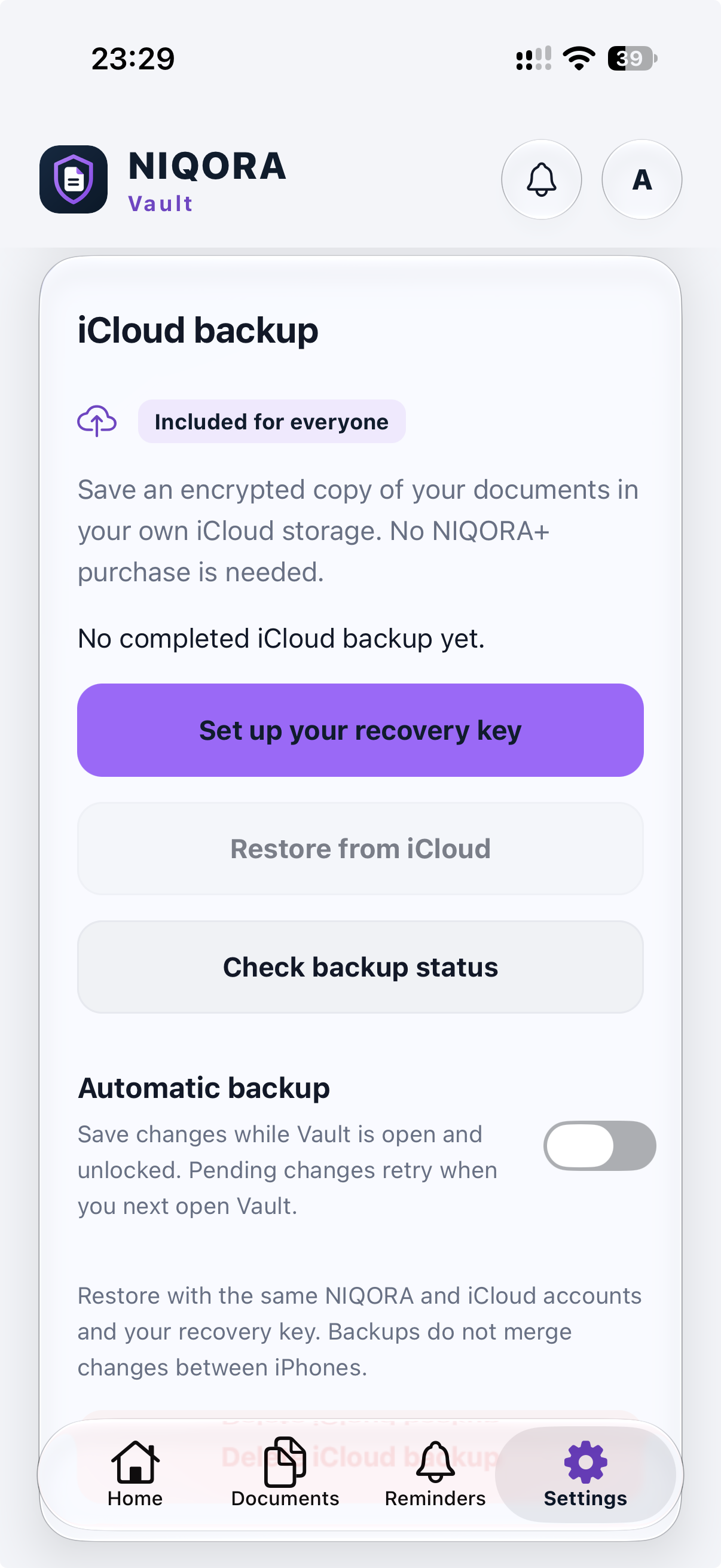
Private iCloud backup
Save an encrypted copy in your own iCloud with no paid membership. Keep your recovery key safe; automatic backup is optional and runs while Vault is open and unlocked.
View full screenFAMILIAR TOGETHER
Use your NIQORA account with Apple, Google or email sign-in. Vault can recognise an existing NIQORA+ membership, while its documents, reminders and optional private iCloud backup need no paid membership. The free iPhone app is awaiting Apple review for its UK launch.
Explore NIQORA+Version 1.0 was submitted to Apple on 8 October 2026 and is awaiting review. It is not publicly available yet. The first launch will be free and UK-only on iPhone, after Apple approval and release. Join the launch list to hear when it is ready.
Scan documents or import PDF, JPEG and PNG files. Organise them with categories, notes and favourites, search recognised text, and choose expiry reminders. Review suggested details before saving; text recognition can miss or misread information.
Only if you enable it. The submitted version includes manual backup and optional automatic encrypted backup while Vault is open and unlocked. Keep your recovery key safe: restoring needs that key, the same NIQORA account and access to your iCloud. Check the latest completed backup before changing phones.
No. The submitted version’s document, reminder and optional iCloud backup features need no paid membership. Vault will be free to download at its UK iPhone launch. Existing members can use the same NIQORA account; there is no need to buy another membership.
In Vault, open Settings → Delete NIQORA account. Review the shared-account warning, choose whether to remove this Vault’s private iCloud backup, and verify your sign-in when prompted. Deletion removes the shared NIQORA sign-in and associated cloud records and clears Vault on this iPhone. Other apps’ local data, private backups, Files exports and shared copies must be managed separately. Store subscriptions are not cancelled by account deletion.
This first release is for iPhone in the UK. An iPad or Android version has not been announced.
Free to join. Only your chosen apps. Unsubscribe anytime.