Verify before you scan
Choose an email address or mobile number you own, verify it and review the provider disclosure. Live checks require an active membership.
 NIQORA PrivacyApple review
Check the contact details you own, understand reported exposure and keep your next actions together. Black Bot is becoming NIQORA Privacy.
A LITTLE MORE CLARITY ONLINE
Clear information helps you make a decision. Privacy brings checks and practical actions together, without promising that any scan can see everything.
Choose an email address or mobile number you own, verify it and review the provider disclosure. Live checks require an active membership.
Review reported breaches, public websites and selected data-broker listings. Source status makes incomplete or unavailable checks clear.
Prepare a removal request, choose its recipient and send it yourself. Track your notes and updates without a promise of automatic or guaranteed removal.
INSIDE NIQORA PRIVACY
Real iPhone screenshots from NIQORA Privacy 1.2.0, submitted to Apple on 8 October 2026. The update is awaiting review and is not publicly released. Results shown are a snapshot, not a promise of scan coverage.
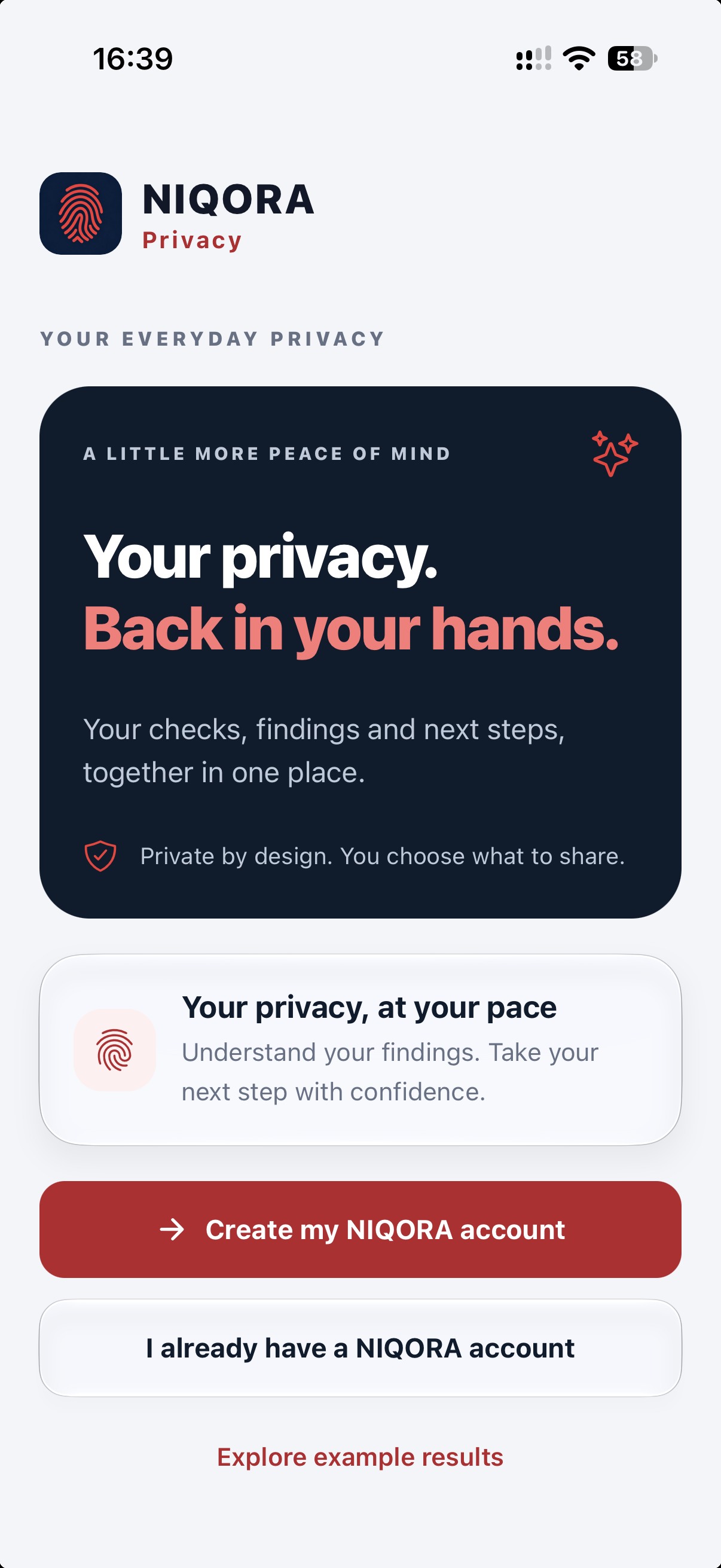
Welcome to Privacy
Explore the app, create a NIQORA account or sign in with the account you already use. Signing in alone does not start a scan.
View full screen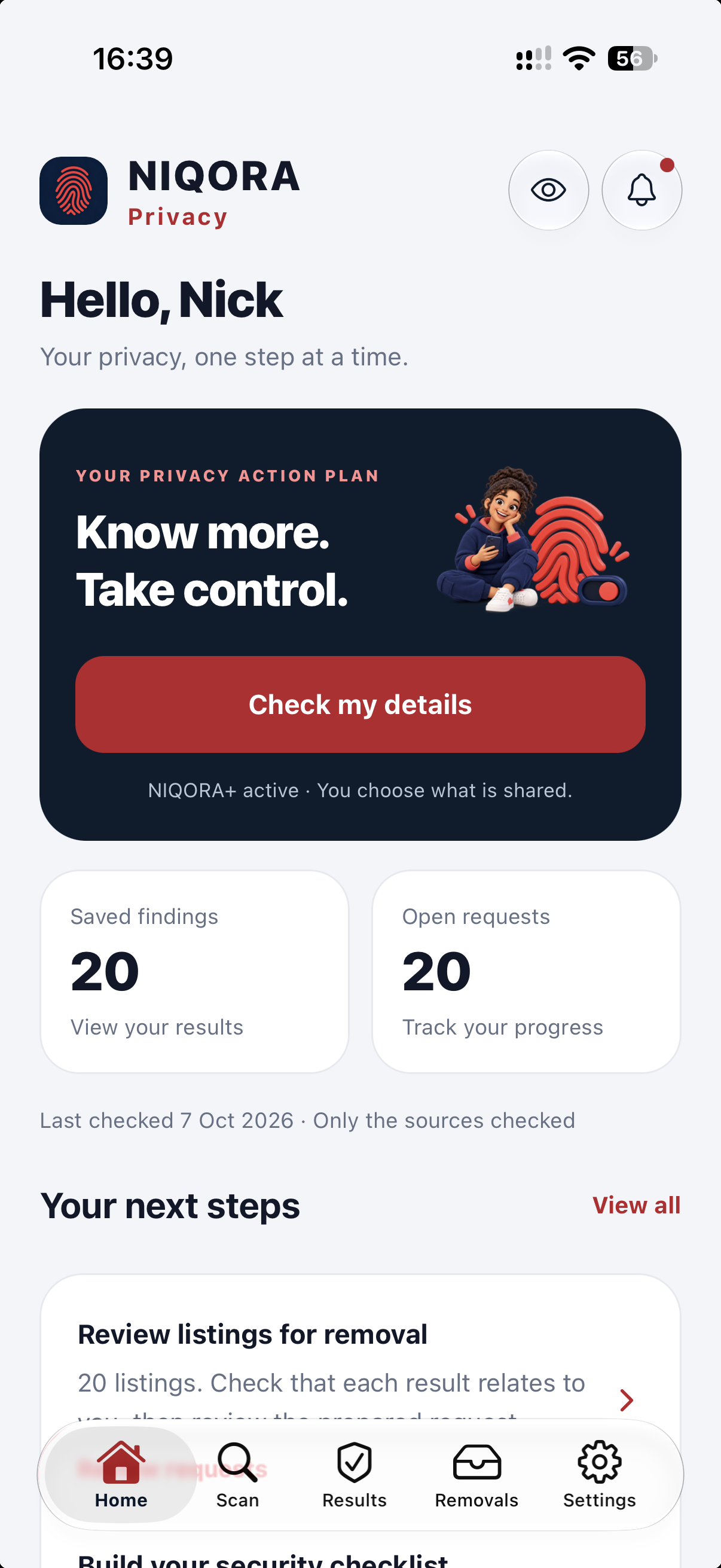
Your action plan
Return to saved findings and removal requests from one overview, with practical next steps for your digital privacy.
View full screen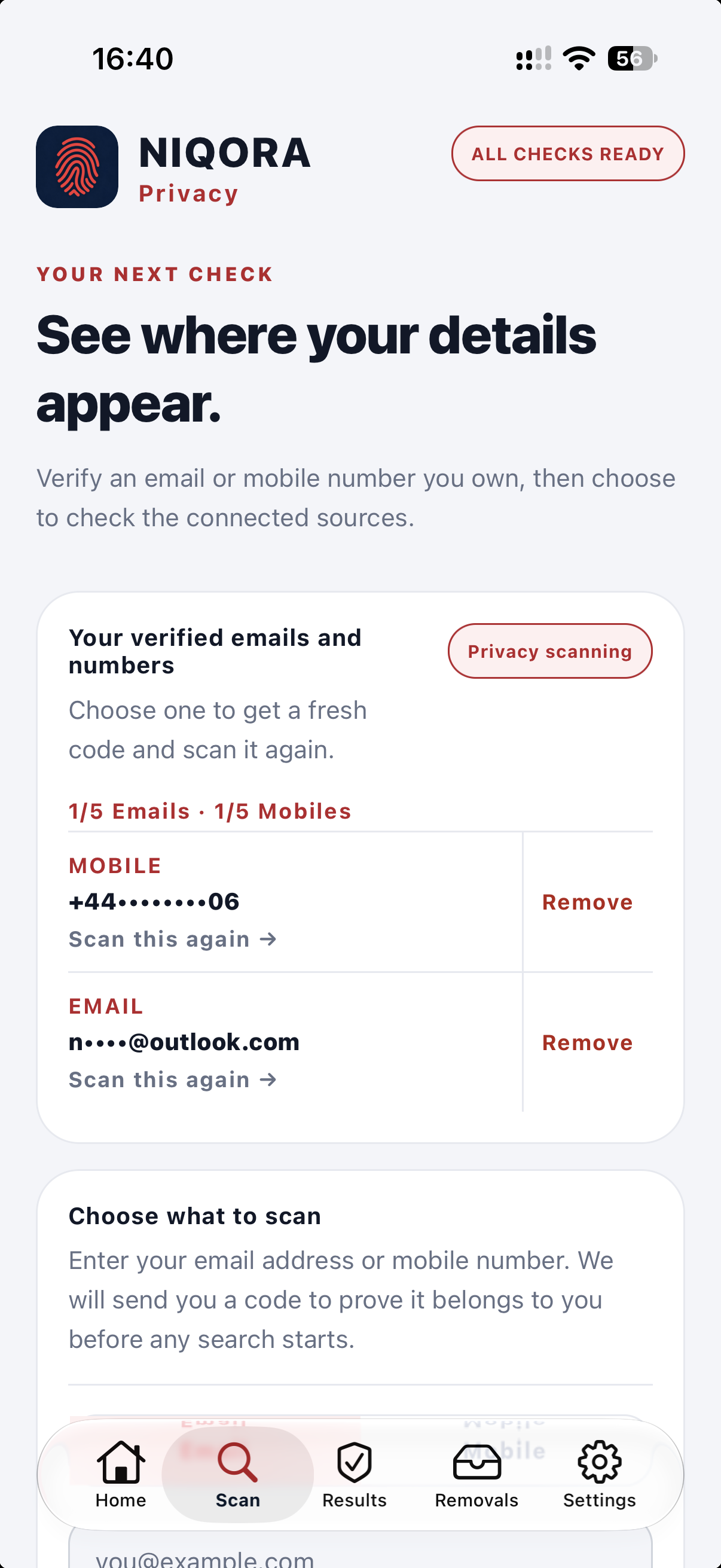
Verify and scan
Verify an email address or mobile number you own, then review the provider disclosure before scanning. Live verification and checks require an active membership.
View full screen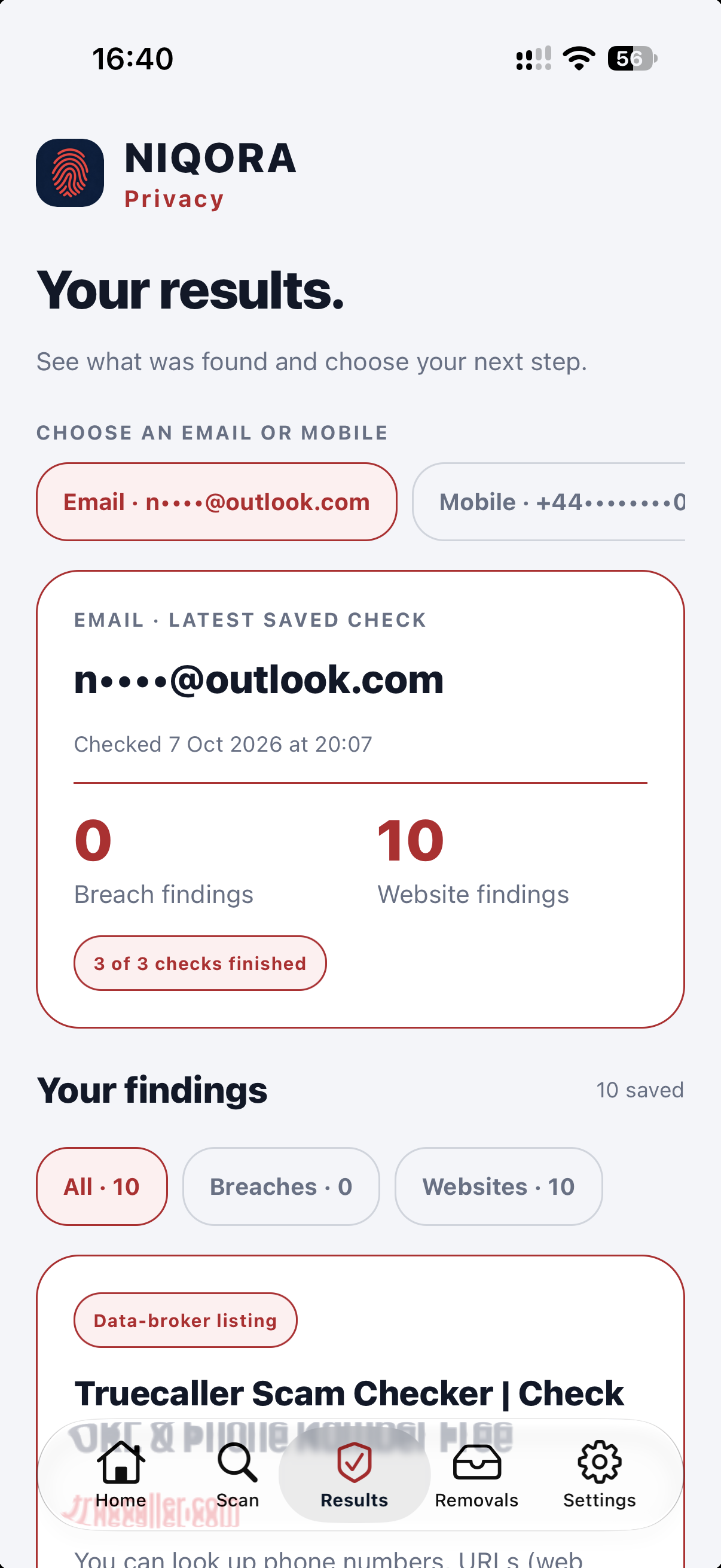
Understand the results
Review reported breaches, public websites and source status for each detail. No findings does not prove your information is absent everywhere.
View full screen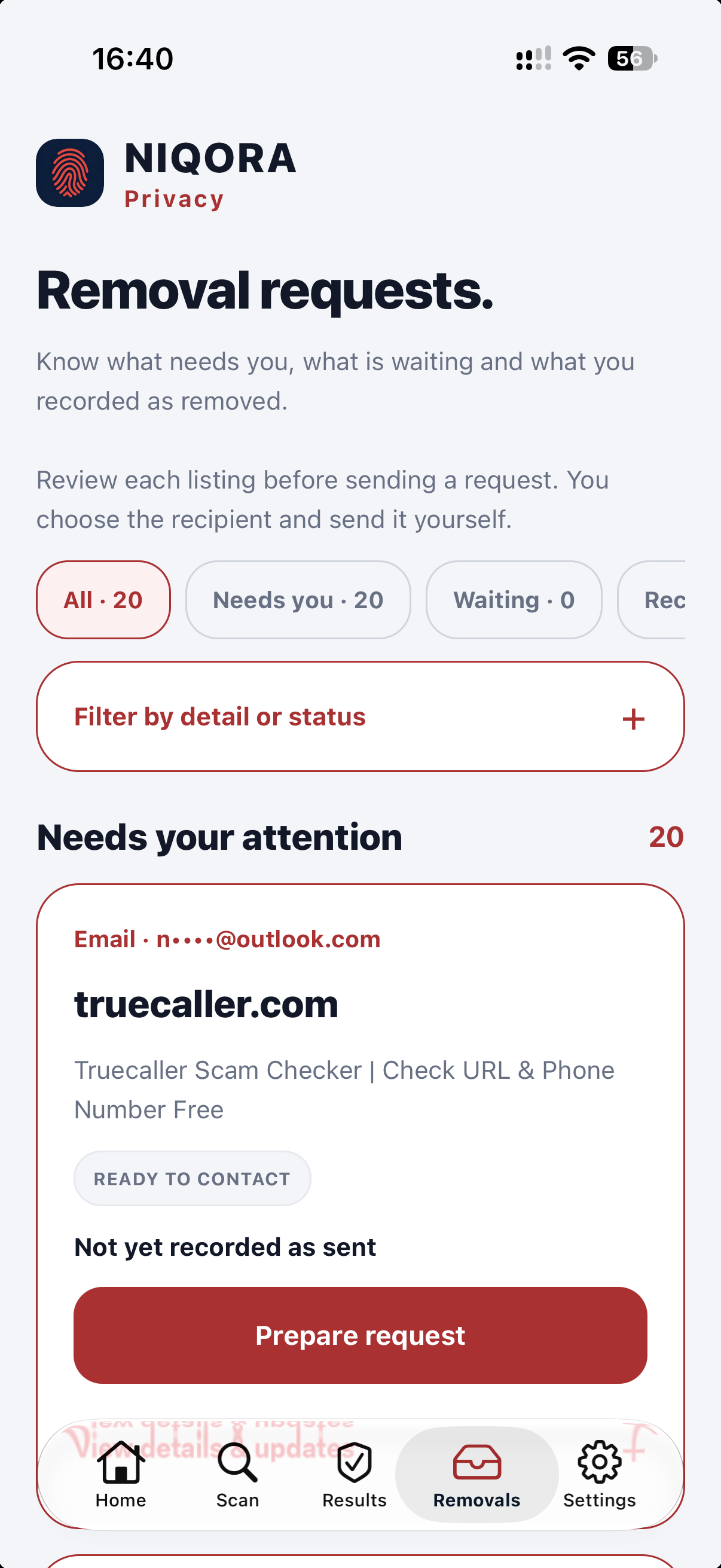
Removal requests
Review a listing, prepare a request and send it to the recipient you choose. Track your own updates; Privacy does not send requests automatically or guarantee removal.
View full screen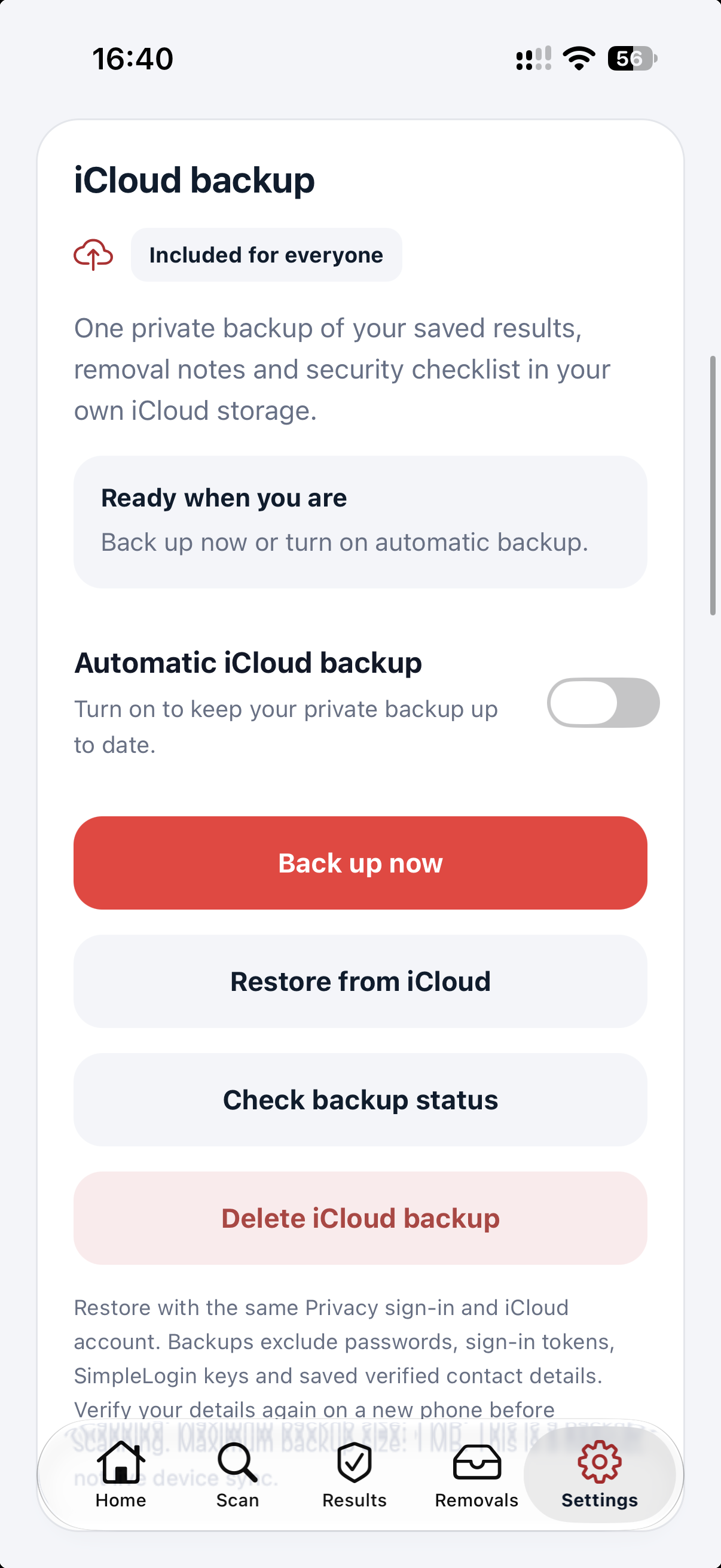
Private iCloud backup
Keep a copy of saved results, removal notes and checklist progress in your own iCloud. Automatic backup is optional and runs while the app is open and unlocked.
View full screen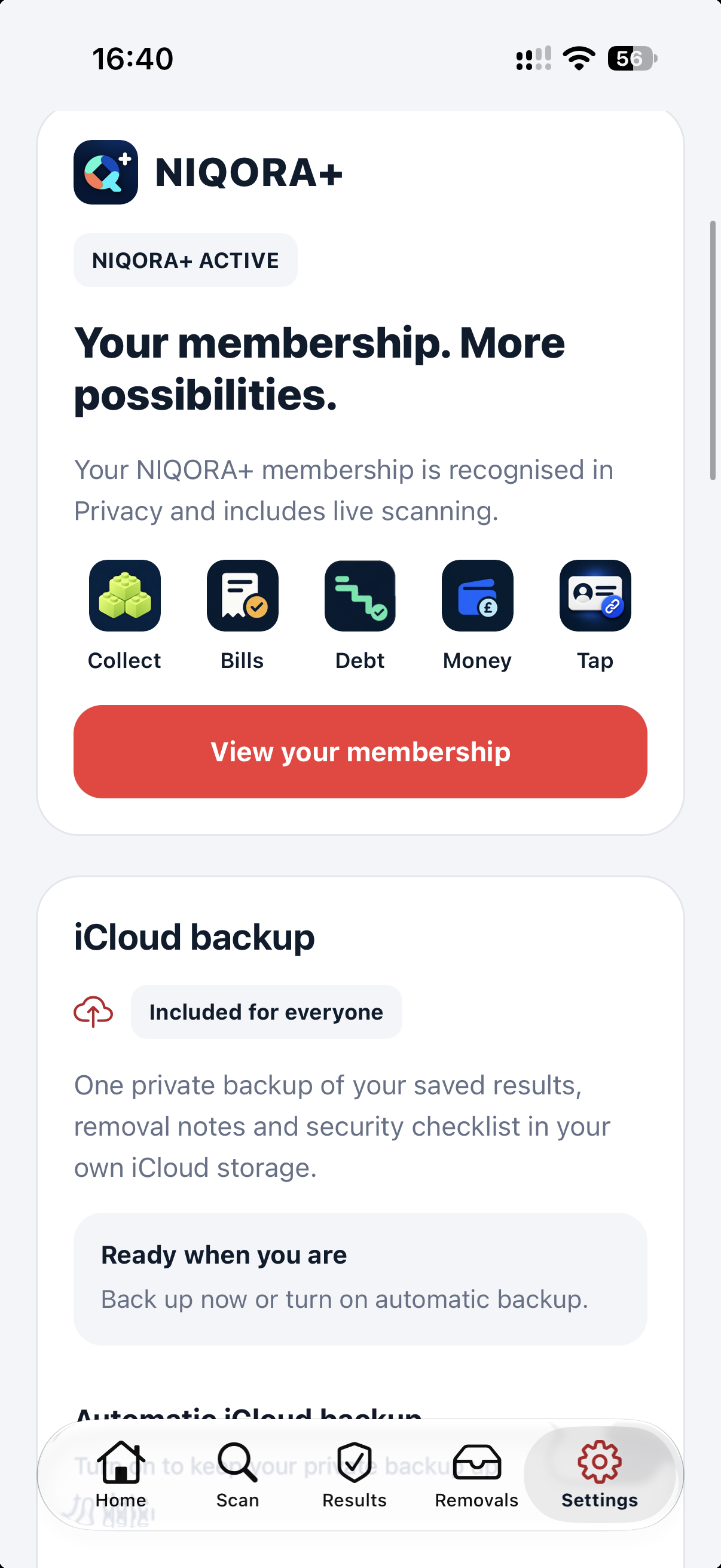
NIQORA+ membership
The submitted update recognises eligible NIQORA+ membership. Live checks support up to five verified email addresses and five mobile numbers. Existing members do not need a second purchase.
View full screen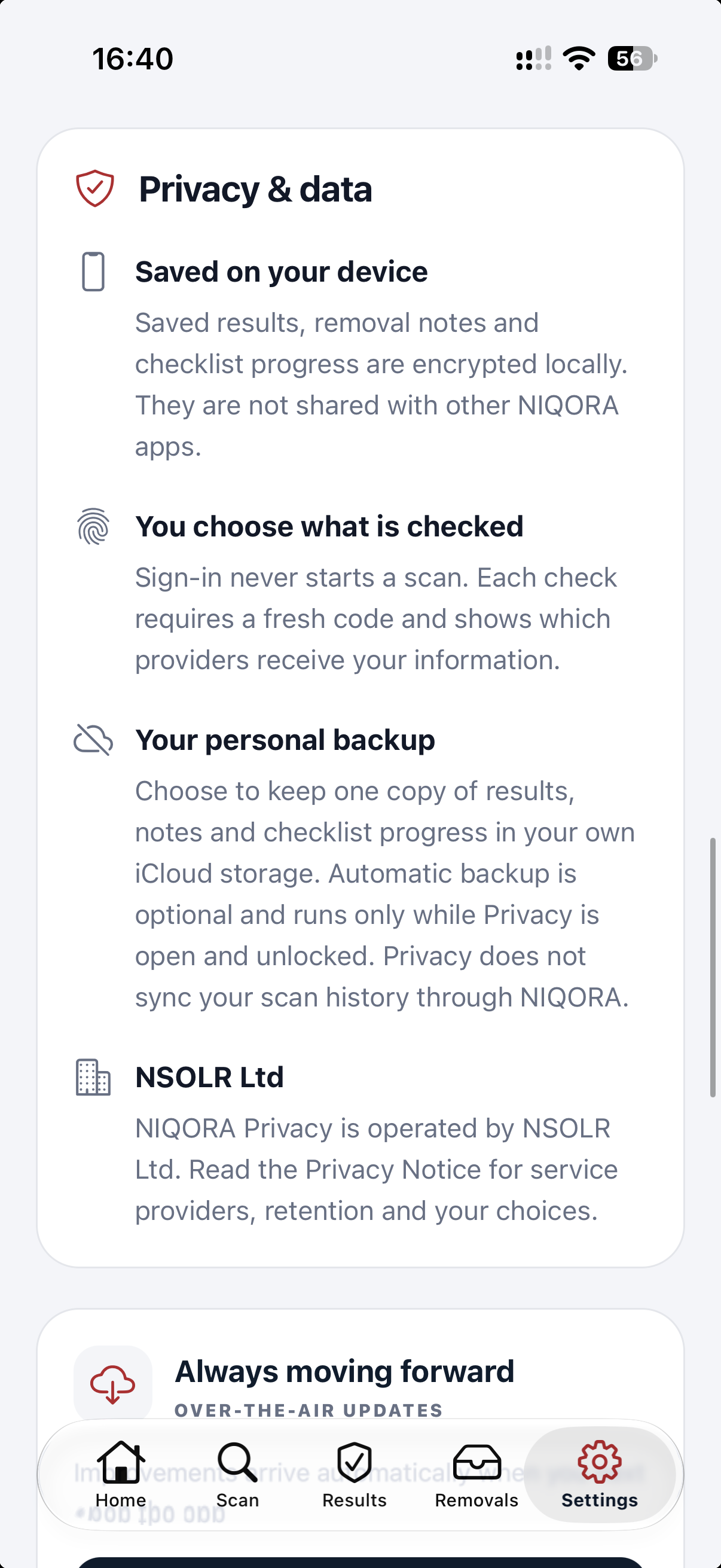
Privacy and data
Saved results, notes and checklist progress are encrypted on your device. Review what each scan shares, and manage your local records and private backup separately.
View full screen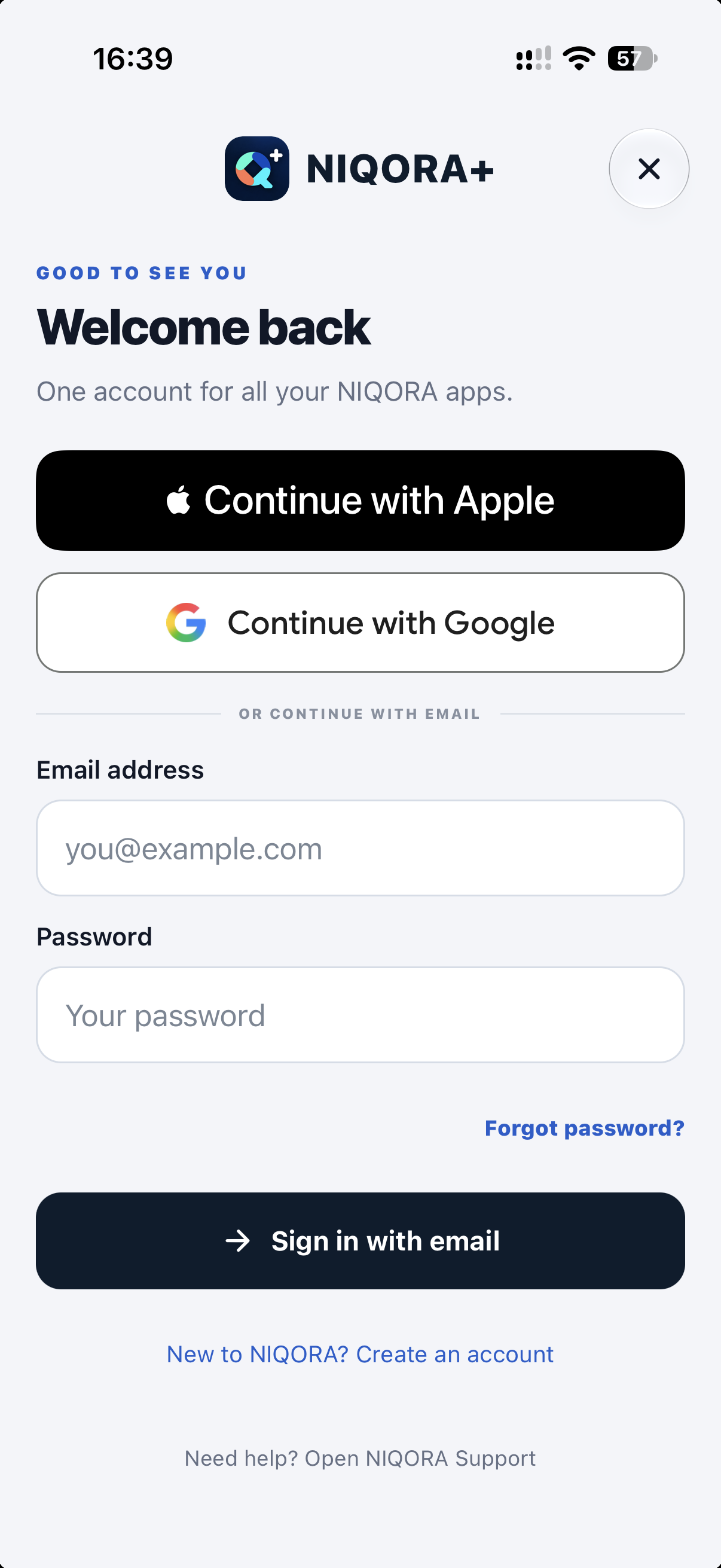
Your NIQORA account
Use Apple, Google or email for your shared NIQORA account. Original Black Bot accounts have a separate recovery path and a choice to connect accounts.
View full screenFAMILIAR TOGETHER
Version 1.2.0 brings shared Apple, Google or email sign-in and eligible NIQORA+ membership recognition to Privacy. It is free to download and explore when released; live verification and provider-backed scanning require an active membership. Optional private iCloud backup is included without a paid membership. The iPhone update is awaiting Apple review.
Explore NIQORA+Version 1.2.0 was submitted to Apple on 8 October 2026 and is awaiting review. The NIQORA update is not publicly released yet. Existing Black Bot users can keep using their current app. Join the launch list to hear when the update is available.
The submitted update is free to download and explore when released. Live verification and provider-backed scanning need an active membership and support up to five verified email addresses and five mobile numbers. Eligible existing NIQORA+ members use the same account; do not buy again for the rebrand. Current purchase prices and renewal terms are shown in the app.
No. Results depend on the sources and information available at the time. A scan cannot find every exposure or guarantee that your details have never been shared.
No. Check that a listing relates to you, review the prepared request, choose its recipient and send it yourself. Tracking reflects the updates you record. Requests cannot guarantee removal, and information can remain in other copies.
When the update is available, open Sign in → Forgot password? → Recover an existing Black Bot account. Original accounts use a separate identity from NIQORA sign-in. Connecting them is an explicit choice, not an automatic merge or a new subscription.
Save results, removal notes and checklist progress in your own iCloud from Settings. Automatic backup is optional and runs while Privacy is open and unlocked. Restore needs the matching Privacy account and access to the iCloud account holding the backup. Check completion in the app; this is backup and restore, not live cross-device sync.
This release is designed for iPhone. A dedicated iPad version is not part of this submission.
Free to join. Only your chosen apps. Unsubscribe anytime.