Every bill together
Organise rent, utilities, insurance, subscriptions and other recurring commitments.

 NIQORA BillsApple review
Your bills, subscriptions and renewals, together. See what is coming, understand the full cost and give yourself a little less to remember.
iPhone version submitted to Apple. Public downloads will follow after approval and release.
ONE LESS THING TO REMEMBER
Turn on Automatic iCloud backup in a supported iPhone version of NIQORA Bills. Changes save to your own iCloud while the app is open and unlocked. You stay in control of backup and restore.
Requires a compatible app version and available iCloud storage. Check the latest completed backup in the app. App release availability is shown separately.
MADE FOR EVERYDAY LIFE
A focused home for the recurring costs you choose to enter. Built with the same care as NIQORA Debt.
Organise rent, utilities, insurance, subscriptions and other recurring commitments.
See upcoming payments, a monthly calendar and bills that still need attention.
Keep renewal dates and notice periods alongside the cost of each contract.
See monthly equivalents, annual estimates and scheduled upcoming payments.
Record payments, review price changes and archive bills you no longer need.
Choose device reminders for payments and renewals, with privacy controls included free.
THREE SMALL STEPS
Enter an amount, schedule and due date. Add a renewal date when it is useful.
Bring upcoming payments into view and understand your recurring commitments.
Mark payments, review renewals and keep your records up to date.
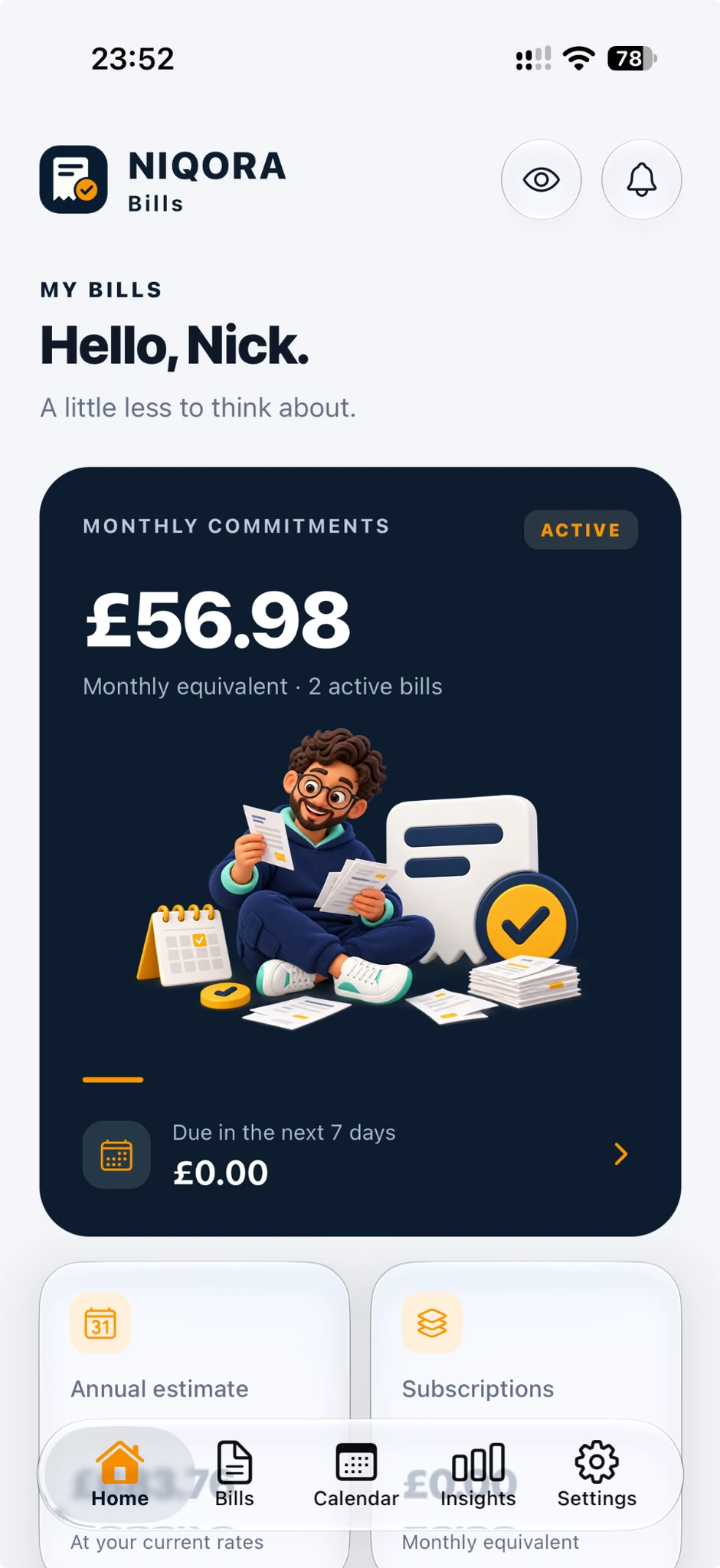
YOUR RECURRING WORLD
Your monthly commitments, annual estimate and subscriptions sit together on the home screen. A clear place to begin, before looking at the details.
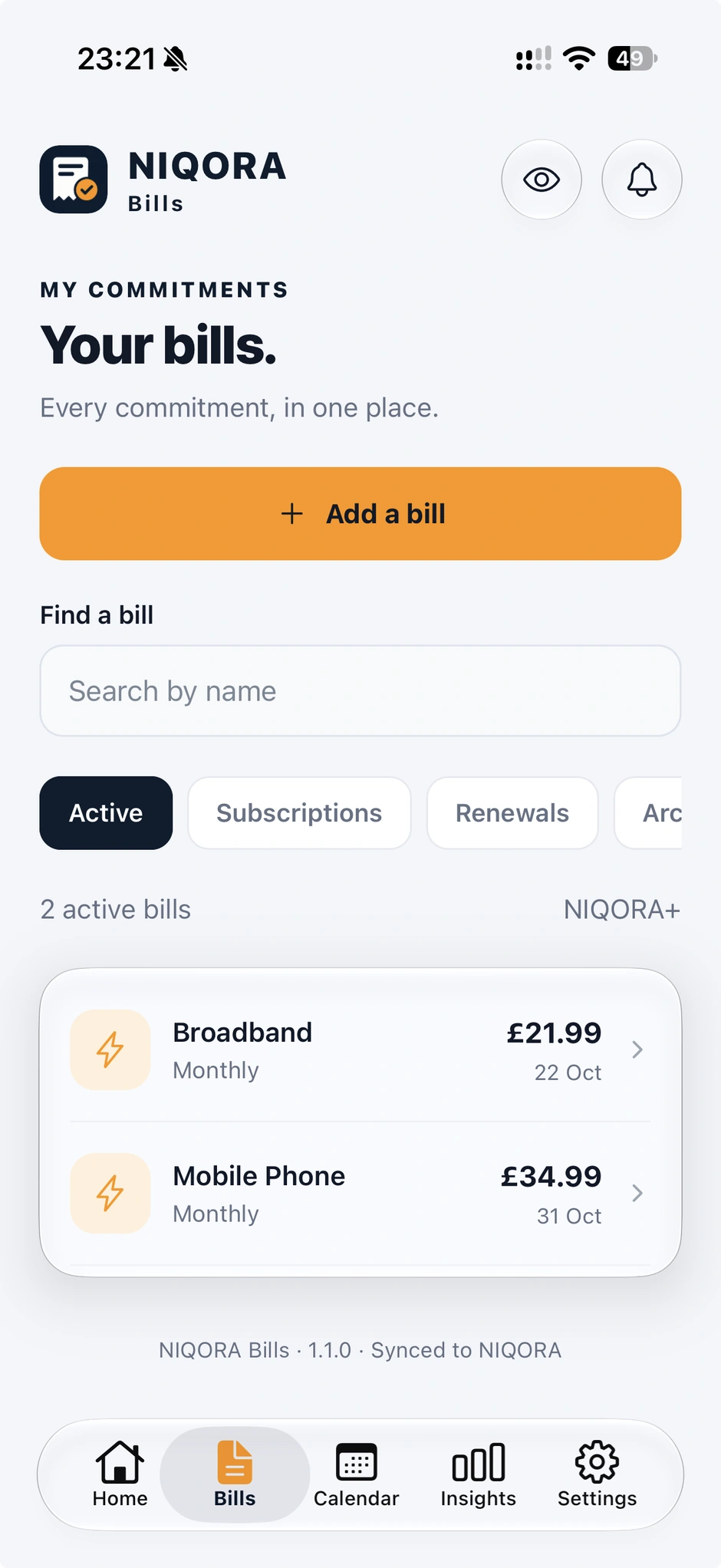
EVERY BILL, TOGETHER
Review the bills you have entered, with their amounts and next payment dates together. Open a bill when you need its details.
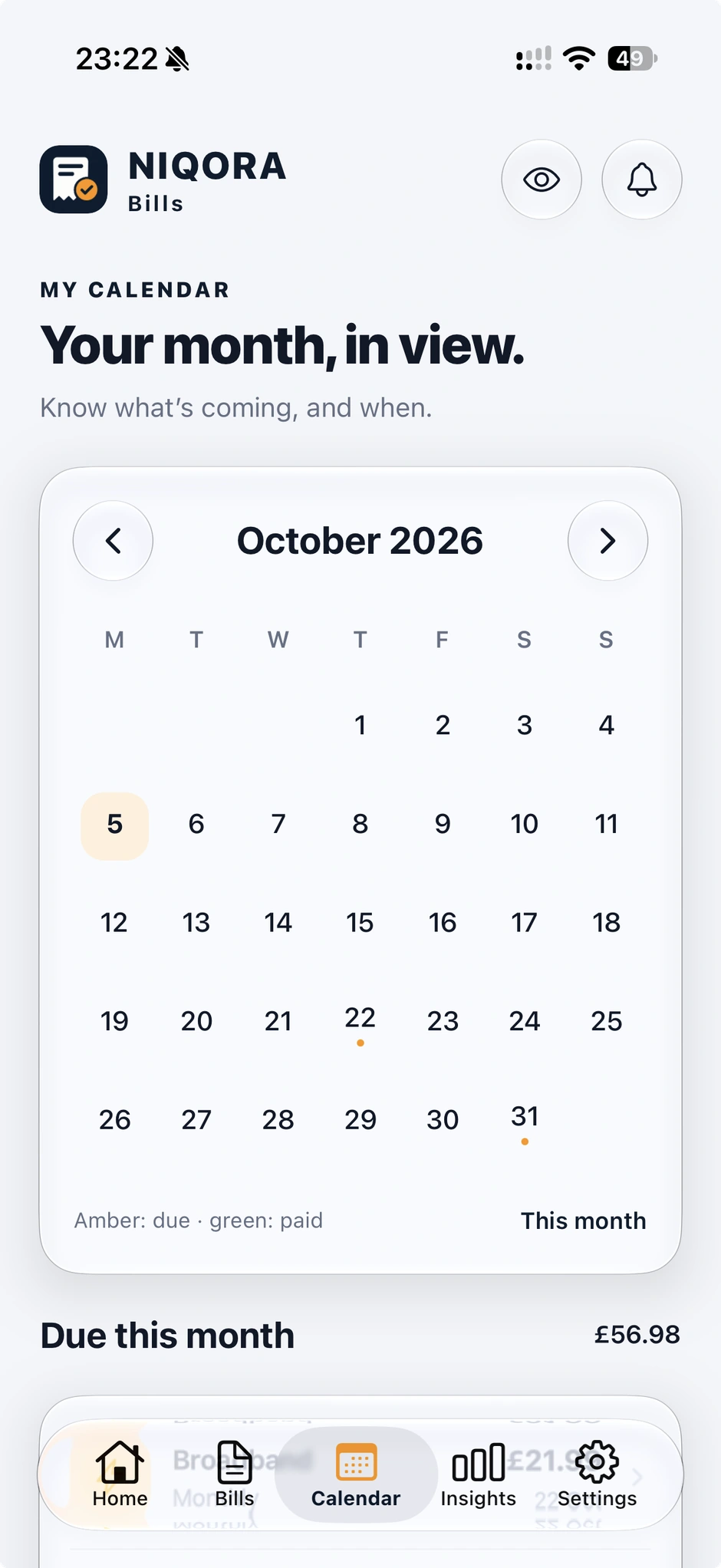
A LITTLE LOOK AHEAD
Bring payment dates into a familiar calendar. See the amount due each month, then open any bill to review what you entered.
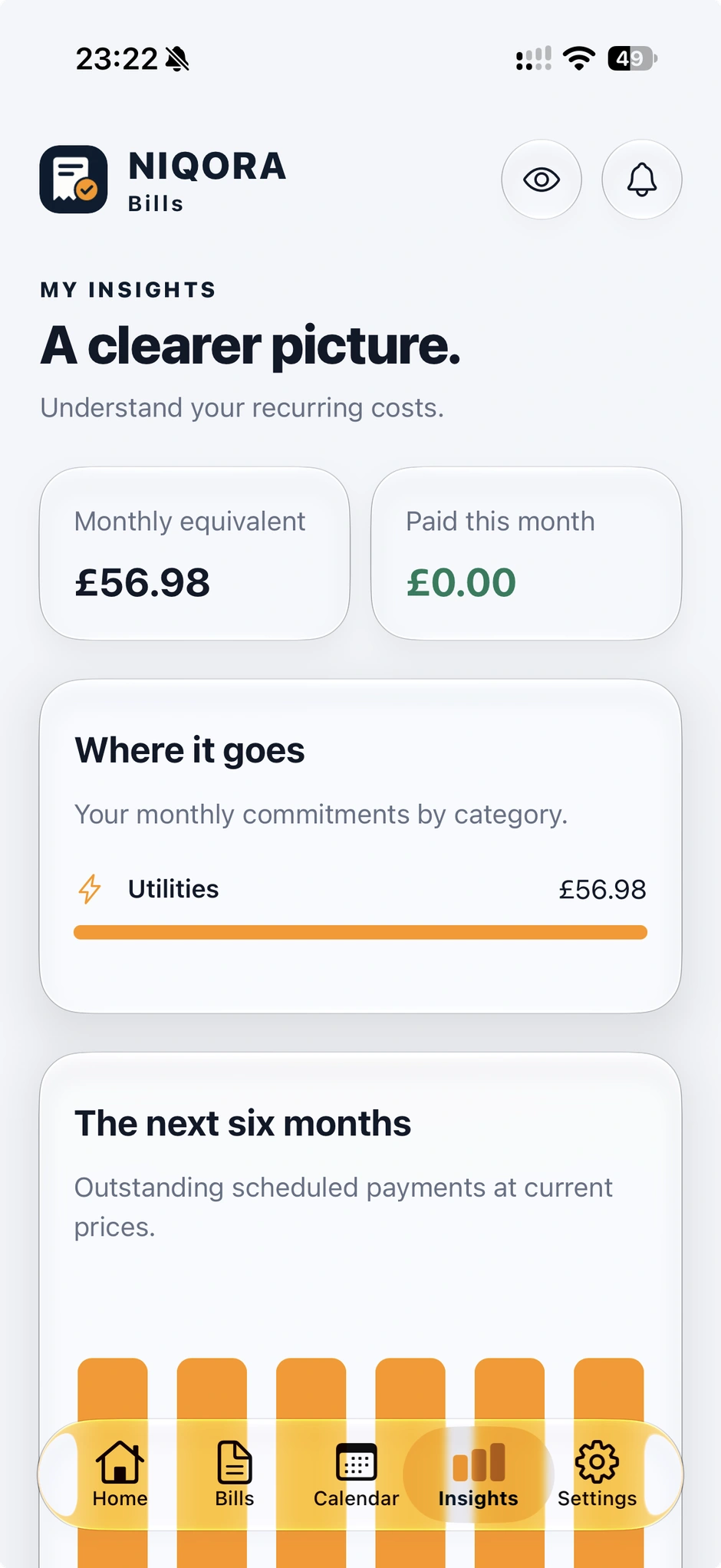
KNOW WHERE IT GOES
Look across your recurring costs and categories. Use payment and price history to keep track of what has changed.
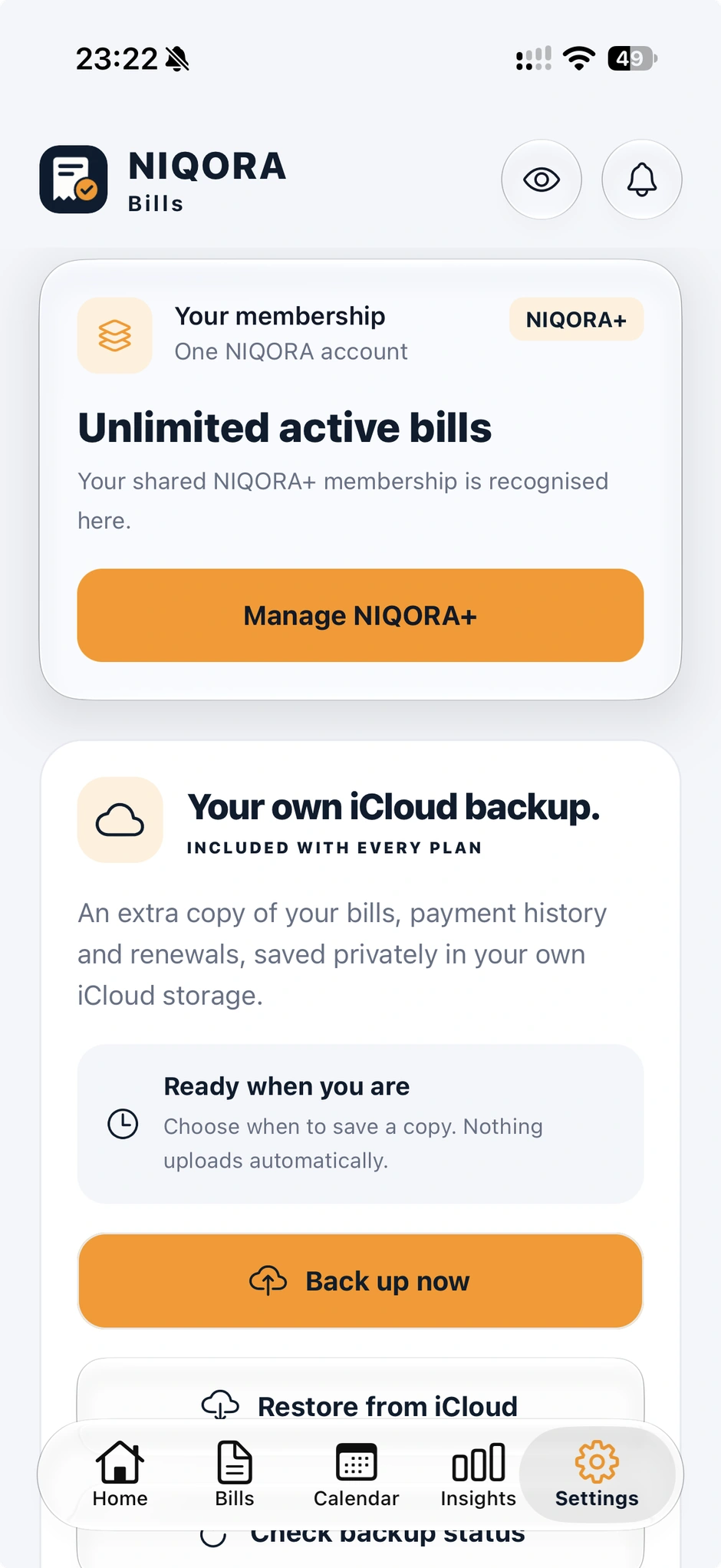
YOUR OWN ICLOUD BACKUP
Keep a saved copy of your Bills records in your own iCloud. Supported versions add optional automatic backup while the app is open and unlocked, with no membership required.
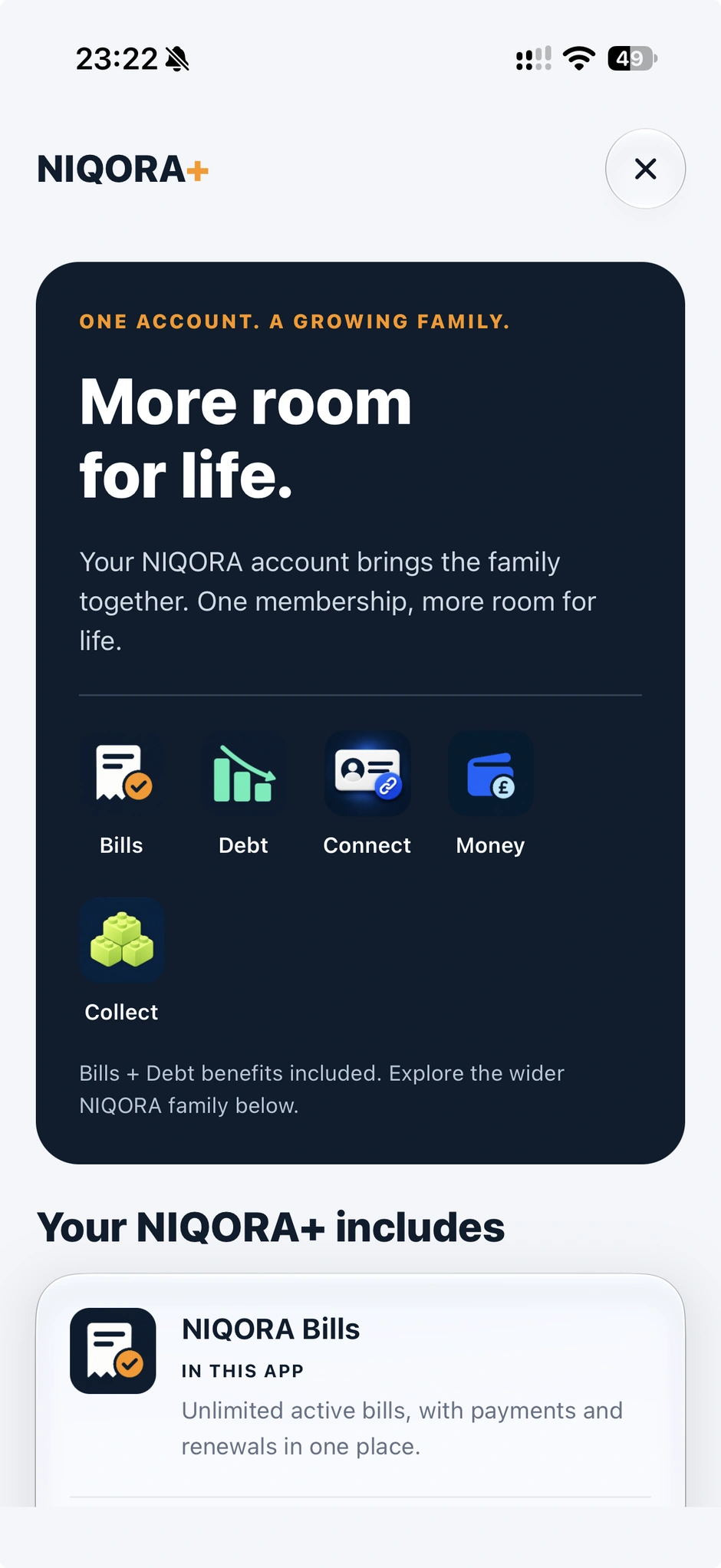
ONE NIQORA ACCOUNT
Explore NIQORA+ benefits and the wider NIQORA family from Bills. Existing members use the same NIQORA account for eligible shared access.
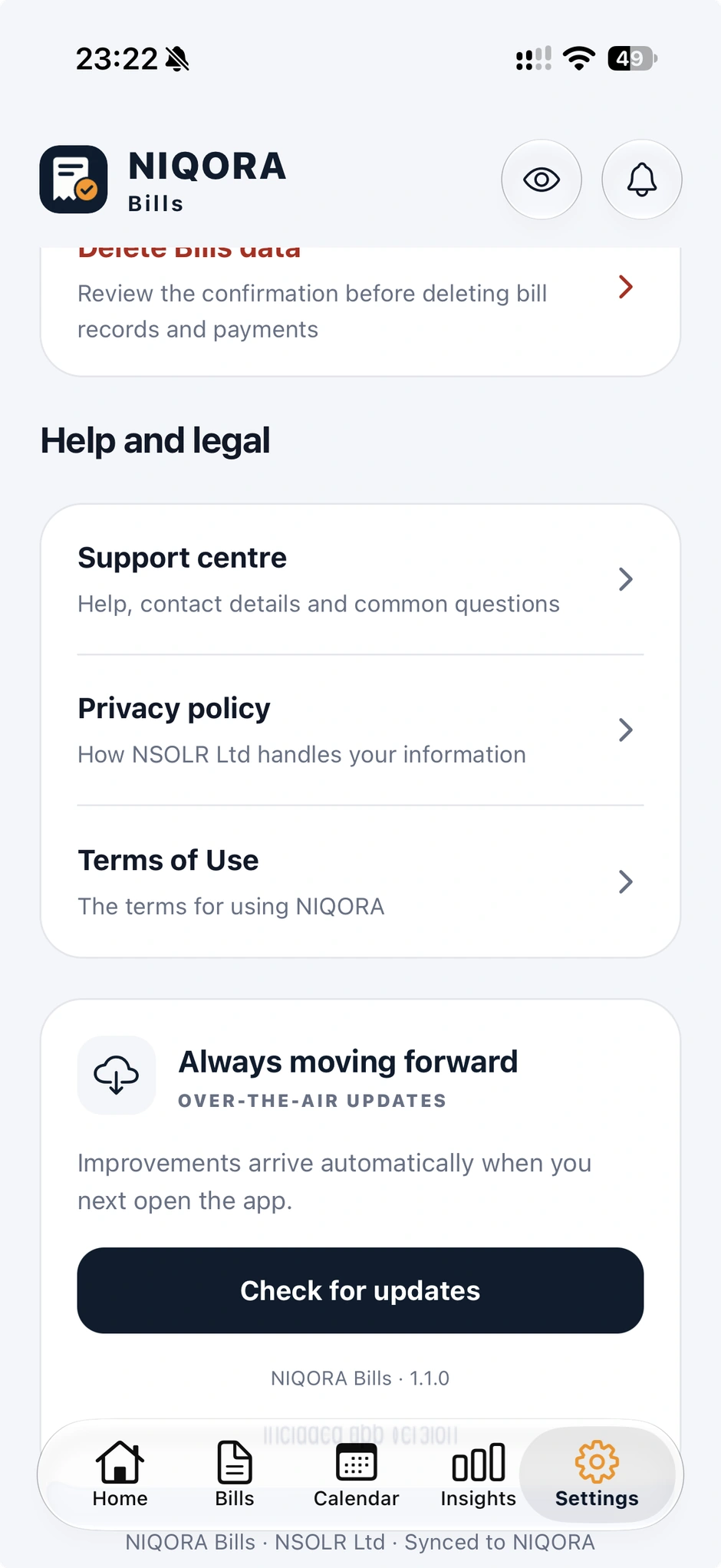
HELP AND UPDATES, CLOSE AT HAND
Find help, legal information and app-update controls together in Settings. Compatible fixes and refinements can arrive between store releases.
Actual iPhone screenshots with example data from NIQORA Bills 1.1.0, submitted to Apple for review. Bills is not yet publicly available; launch updates will follow after approval and release.
USE WHAT YOU NEED
Five active bills to get started. Unlimited bills with the upcoming shared membership.
Your calendar, payment history, reminders and insights.
Privacy controls included.
Unlimited active bills, alongside premium Debt features through the same NIQORA login.
Compare membership plansNIQORA+ shared access is being prepared for the upcoming app updates. Existing Debt subscriptions continue with their current benefits.
YOUR INFORMATION. YOUR CHOICE.
No bank connection is needed. You choose what to add, can hide amounts on screen and have clear controls for your data. Privacy features stay free.
How we handle your informationNIQORA Bills 1.1.0 has been submitted to Apple for review and is not publicly available yet. Join the launch updates list to hear when it is ready to download.
The free plan includes five active bills, the calendar, payment and price history, reminders, insights and privacy controls. NIQORA+ will add unlimited active bills when shared membership launches.
Yes. Use the same sign-in as NIQORA Debt. Your bill records and debt records remain separate. You can also start on your device and choose to sign in and import those bills later.
No. Bills helps you organise and record commitments. It does not move money, connect to your bank or make payments on your behalf.
NIQORA BILLS
In testing. Built for a calmer view of your commitments.

