Your collection, together
Organise models, figures, cards, books, comics, games and other favourites. Search, filter and return to the pieces you love.

 NIQORA CollectApple review
The first find. The favourite build. The piece you’re still looking for. Give everything you collect a place to belong.
Apple review · Public launch to follow
MORE TIME FOR YOUR HOBBY
A catalogue for the things that make you smile, with the details you want to remember.
Organise models, figures, cards, books, comics, games and other favourites. Search, filter and return to the pieces you love.
Add a photo or scan a barcode, then review suggested details before saving. Keep purchase dates, quantities, notes and values you enter yourself.
Keep a wishlist alongside what you already own. Mark favourites and make room for your next discovery.
Group items into collections and choose from 24 colours. Follow items from sealed and to-build through to displayed or stored.
Review a sharing-code snapshot before sending it. Friends can preview and save a read-only copy in Collect.
Hide values, use device authentication and export your records. Personal iCloud backup is included on Free and NIQORA+.
A LOOK INSIDE COLLECT
Explore Collect with real iPhone screens supplied on 5 October 2026. The app is awaiting Apple review.
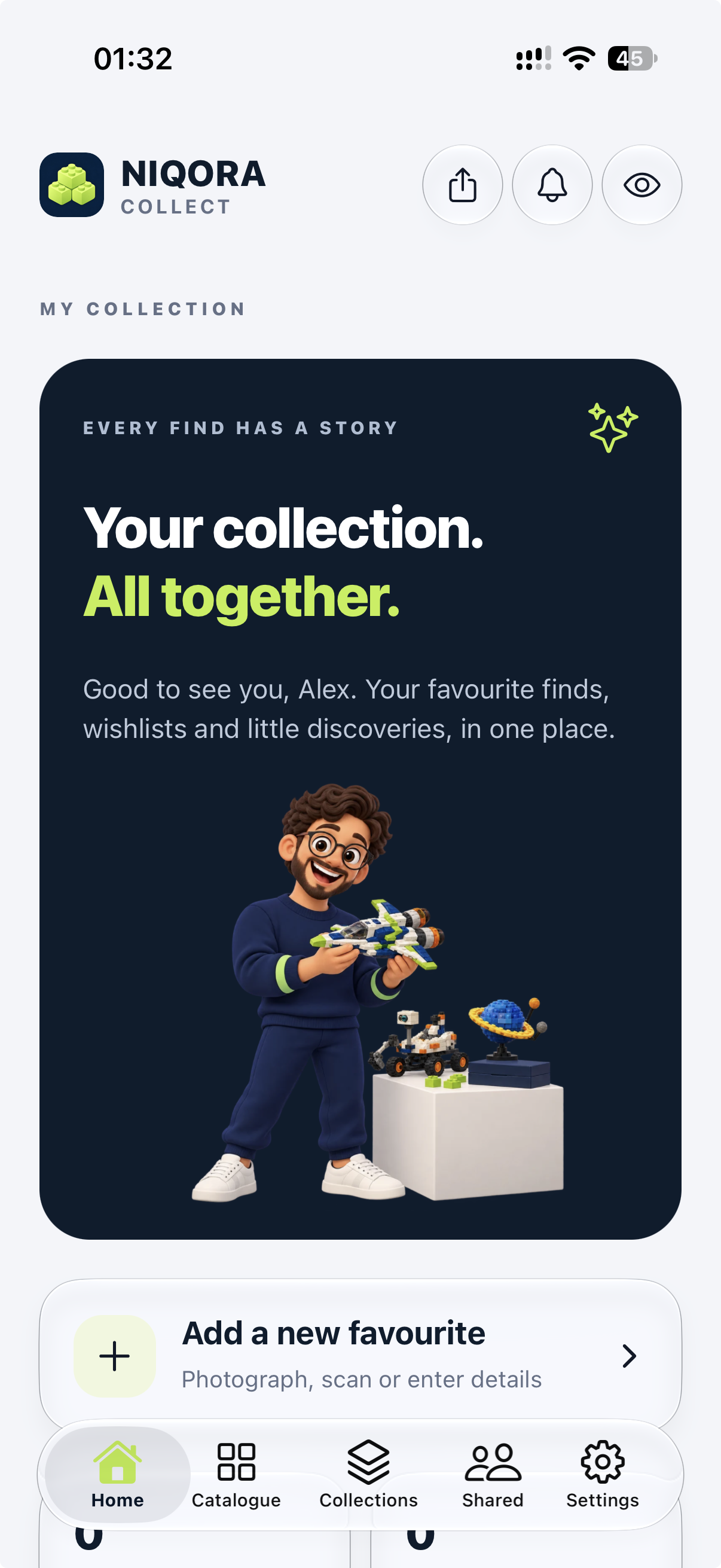
A familiar home for your favourite finds, wishlists and little discoveries.
View full screen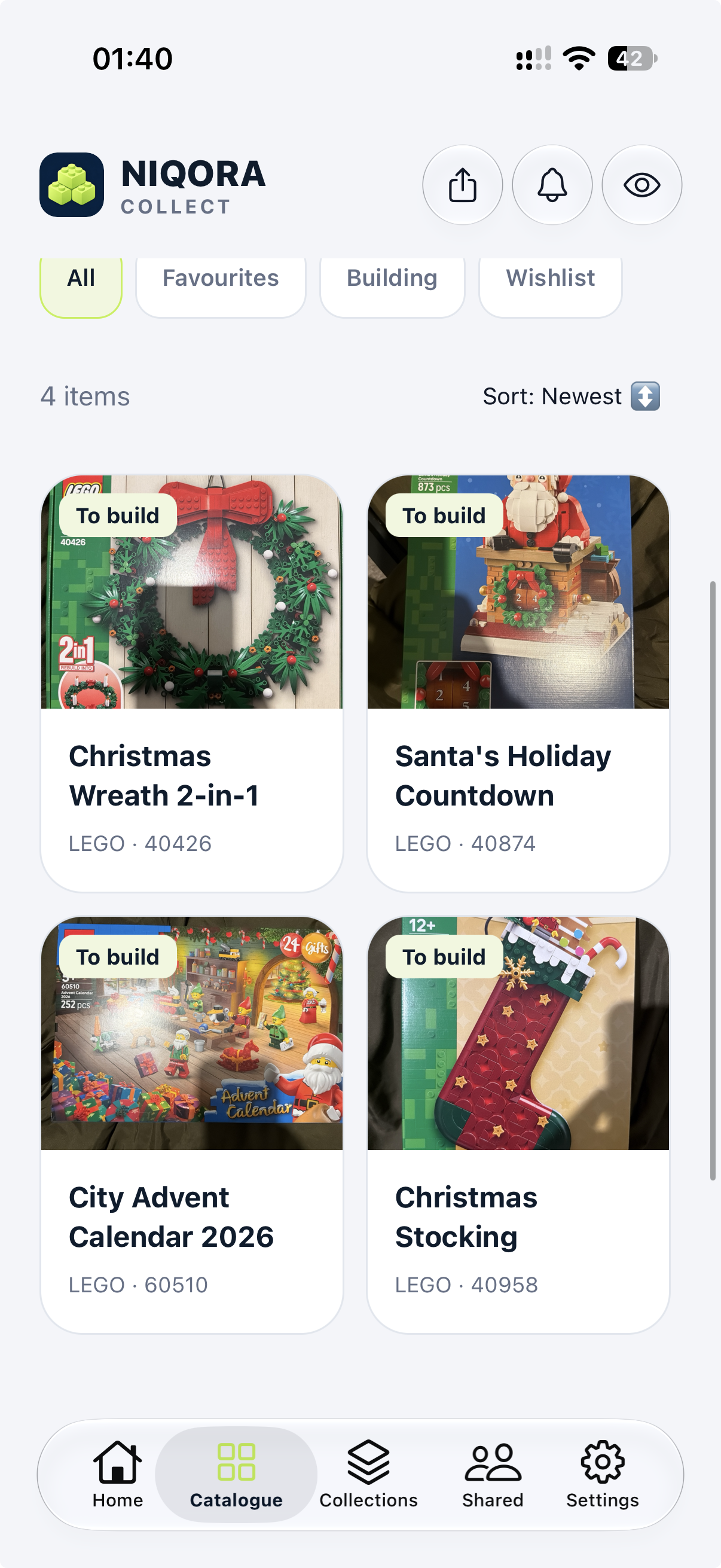
See your photos together, filter your catalogue and follow each item’s progress.
View full screen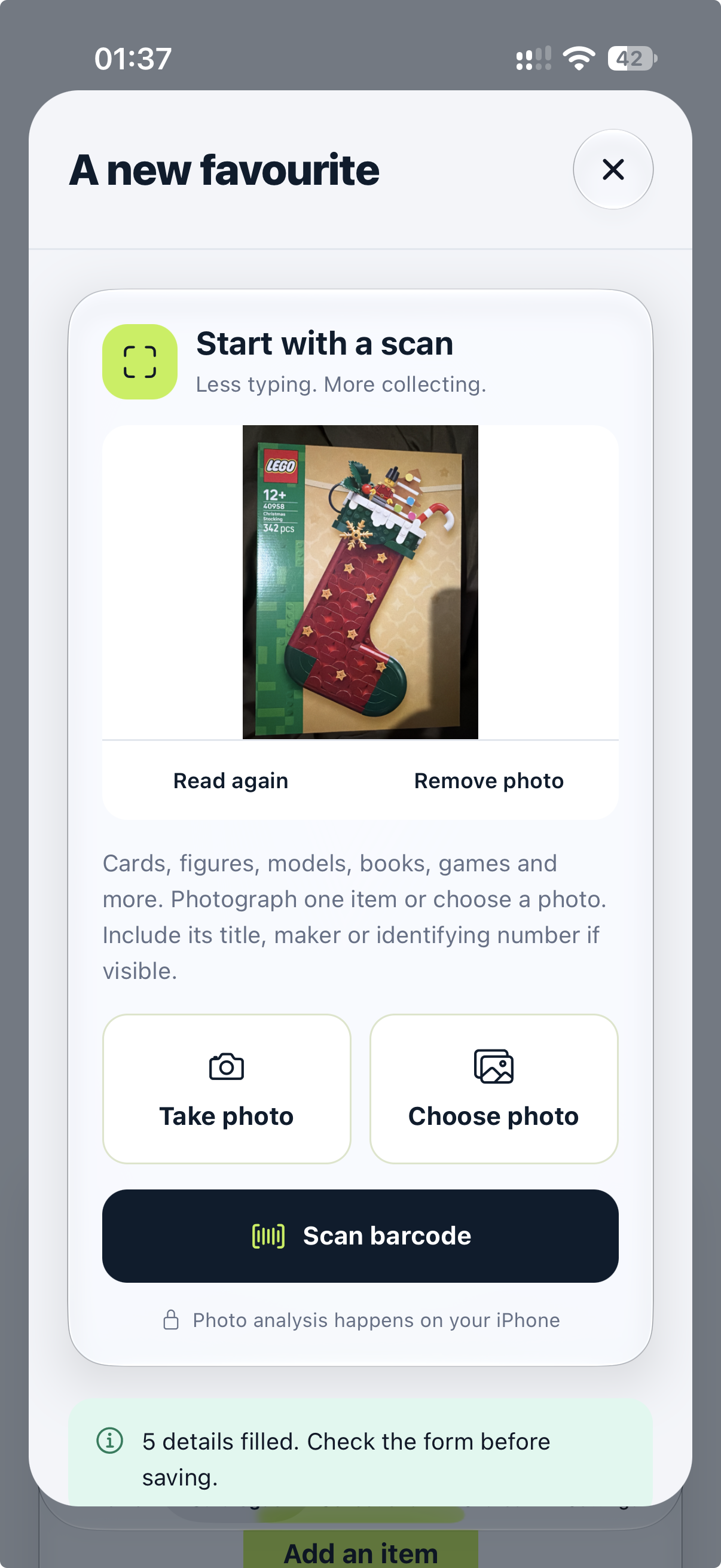
Photograph an item or scan a barcode, then review suggested details before saving. Recognition varies by item and device.
View full screen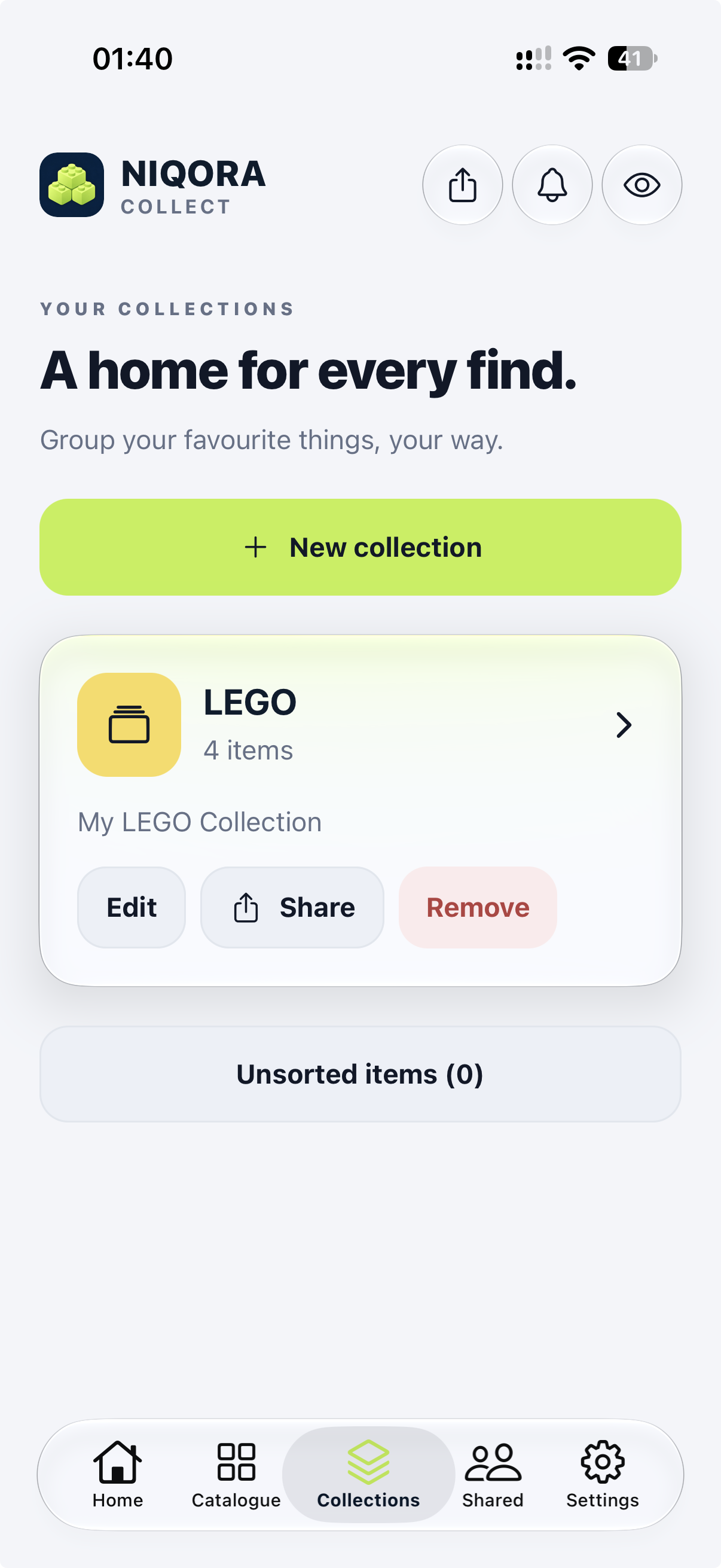
Group items into collections, choose a colour and keep the pieces that belong together close by.
View full screen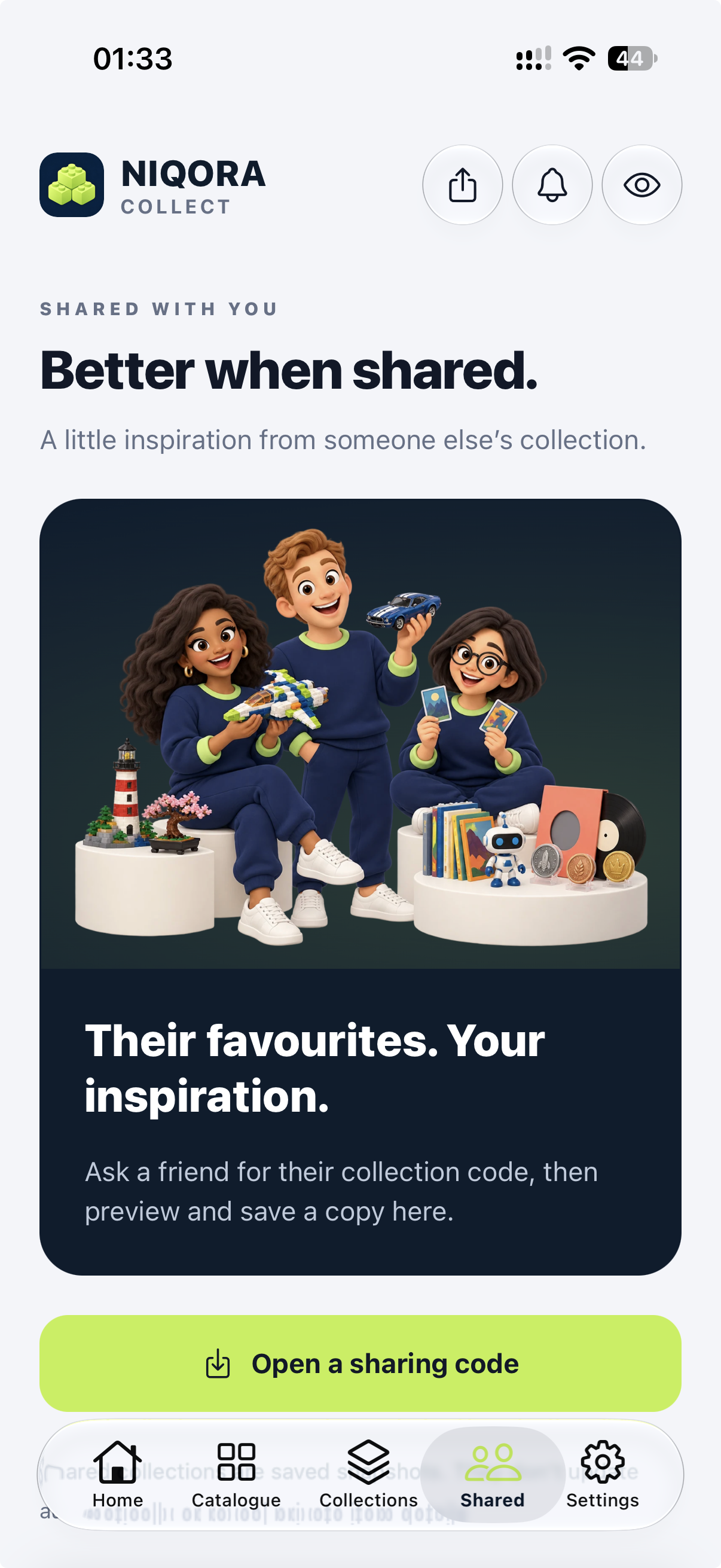
Preview a collection code and save a read-only snapshot. Photos, prices and private details stay out.
View full screen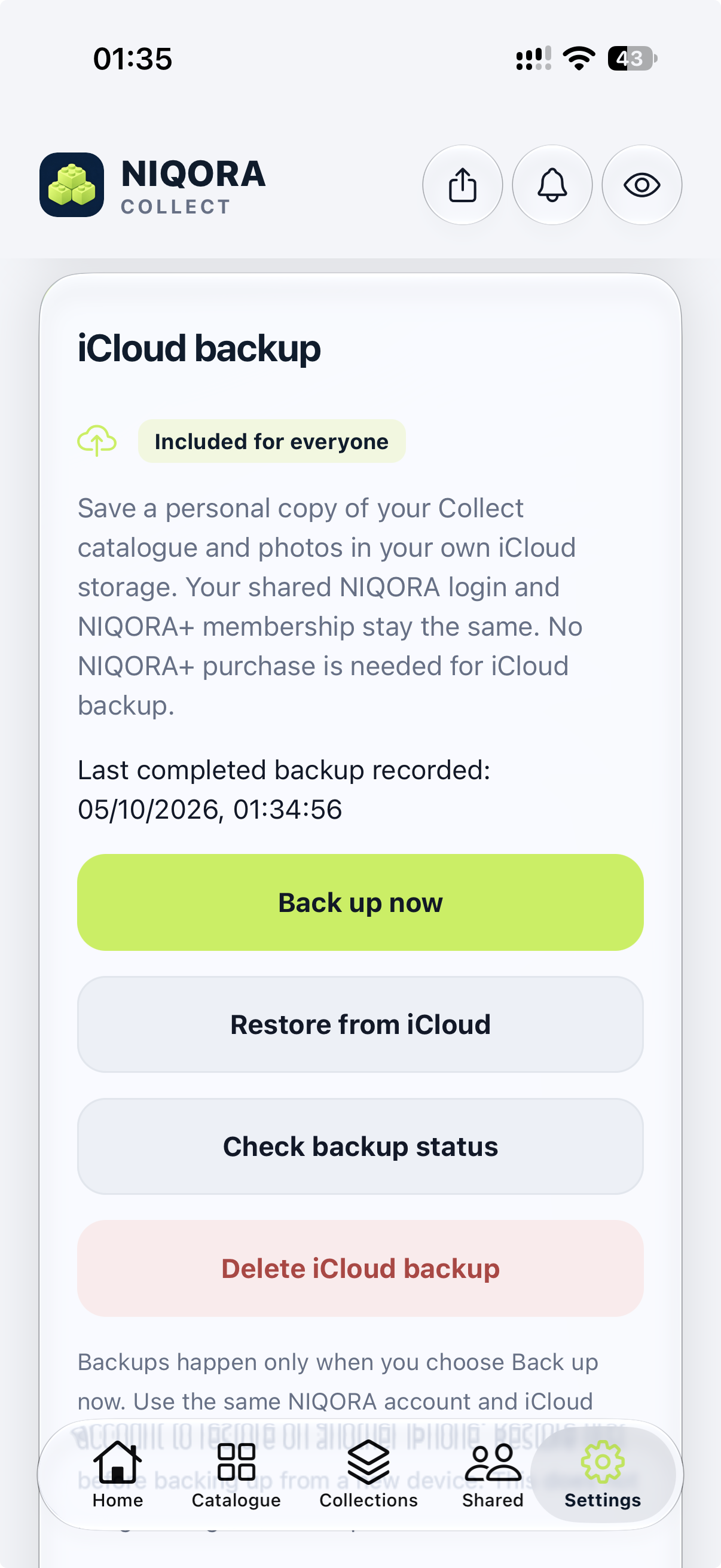
Back up your records and photos to your own iCloud. Supported versions offer optional automatic backup while Collect is open and unlocked, included free.
View full screenCollect is awaiting Apple review. Its UK iPhone launch will follow after approval and release; it is not available to download from the App Store yet.
FROM FIRST FIND TO FAVOURITE
From a weekend build to a lifelong collection. Keep the things you love, and the stories behind them, together.
MAKE IT YOURS
Name an item, choose a category, add a photo and record the details you want to keep.
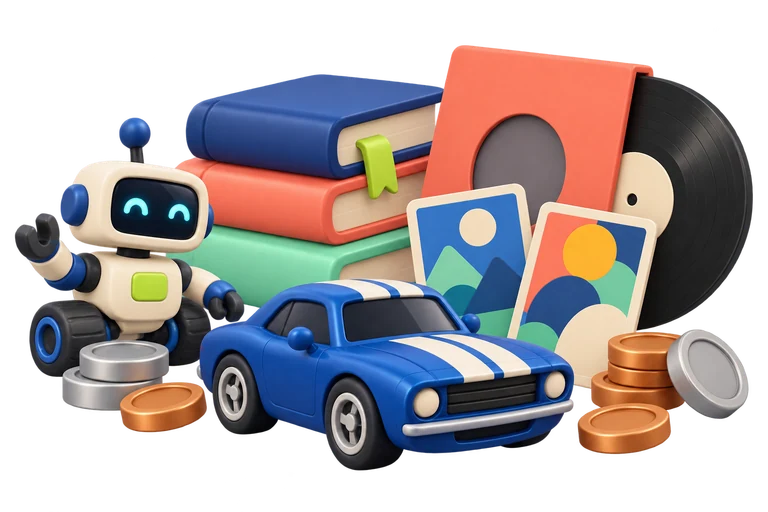
EVERY KIND OF COLLECTOR
Group your cards, books, records and other favourites into collections. Pick a colour and keep your wishlist nearby.
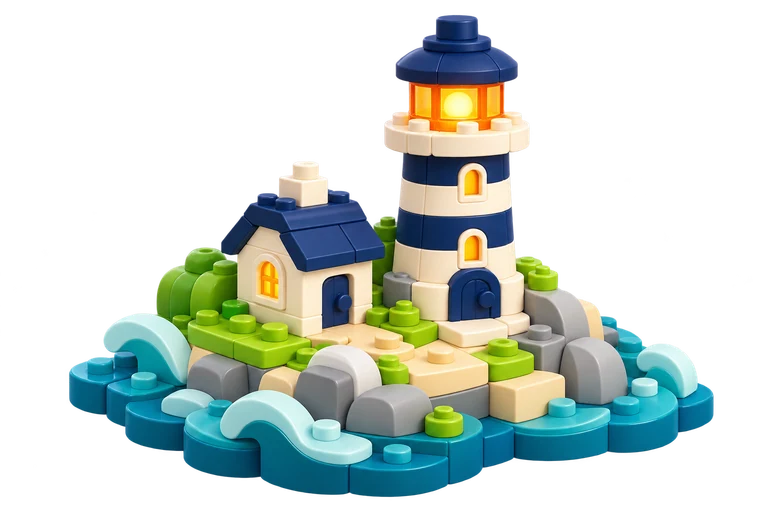
ENJOY EVERY LITTLE PIECE
Find favourites, follow your build progress and share a reviewed snapshot of a collection.
SOME THINGS ARE BETTER SHARED
Share a snapshot with someone who understands the joy of a good find. Review it first, then send the collection code.
Sharing creates a copy, not a live feed. Recipients can keep or forward it.
START SMALL. KEEP GROWING.
Use the NIQORA account you already know. Collect is awaiting Apple review; these are its current catalogue limits, ahead of public launch.
Keep what you own and what you’re wishing for. Multiple copies can use a quantity on one entry.
Privacy controls and personal iCloud backup included.
Add more than ten entries with verified shared NIQORA+ membership. Keep your existing subscription and use the same account.
Existing items remain readable and editable if membership ends. Collect’s own purchase options are being prepared.
Meet your growing membershipCollect is not a publicly available paid benefit yet. Public launch and purchase details will be confirmed when ready.
ONE LESS THING TO REMEMBER
Turn on Automatic iCloud backup in a supported iPhone version of NIQORA Collect. Changes save to your own iCloud while the app is open and unlocked. You stay in control of backup and restore.
Requires a compatible app version and available iCloud storage. Check the latest completed backup in the app. App release availability is shown separately.
NIQORA Collect has been submitted to Apple and is awaiting review. It is not publicly available on the App Store yet. Join the launch list to hear when it is ready.
No. Collect is for models, figures, trading and sports cards, books, comics, games and other memorabilia too. Use the Other category for records, coins, stamps or anything else you collect.
The current version includes ten catalogue entries, including wishlist entries. Multiple copies can use a quantity on one entry. Privacy controls and optional personal iCloud backup are included without NIQORA+.
Collect’s current version uses verified shared NIQORA+ membership for more than ten catalogue entries. Existing items remain readable and editable if membership ends. Sign in with your existing NIQORA account; Collect’s own purchase options are still being prepared, so there is no need to buy a second subscription.
No. Purchase prices and estimated values are entered by you. Collect does not provide live market prices, valuations or investment advice.
The current version reads photos and barcodes on your iPhone. Printed LEGO set numbers can match an included offline catalogue. Other suggestions vary by item, device and available Apple Intelligence; unknown barcodes remain identifiers. Review the suggested details before saving.
You review a snapshot before sharing its code. Prices, photos, barcodes, private notes and locations are excluded. Recipients save a read-only copy, which they can keep or forward; shared copies cannot be revoked and do not update automatically.
They stay on your device unless you choose personal iCloud backup in Settings. In supported versions, enable Automatic iCloud backup to save changes while Collect is open and unlocked, or back up manually. A completed backup can include your catalogue and photos. Restore using the same NIQORA and iCloud accounts. CSV exports do not include photo files and are not restorable backups.
NIQORA COLLECT
Join the list and hear when Collect is ready for your iPhone.
